
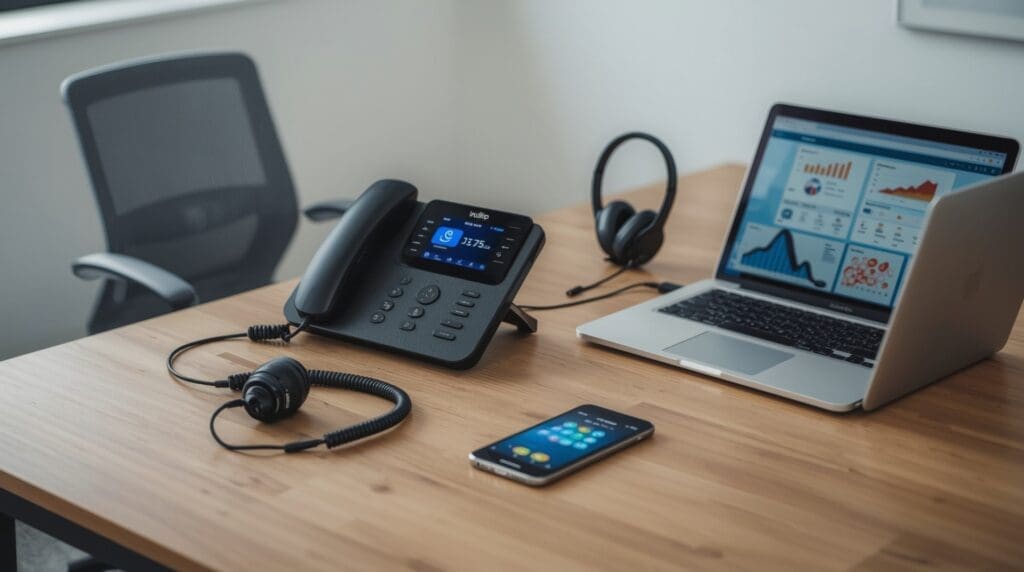
A VoIP phone system for small business replaces your traditional phone lines with internet-based calling. Instead of copper wires, your voice travels as digital data over your existing broadband connection. The result is lower monthly costs, more features, and a phone system that grows with your team.
Whether you run a five-person office in Raleigh or a remote team spread across the state, the right business phone cloud setup can transform how you communicate. This guide covers every angle: what VoIP is, how it works, what features matter, what it costs, and how to set it up the right way.
Ready to learn more? Explore Alta Tech’s VoIP solutions for Raleigh businesses and find out how we can set up your system fast.
What a VoIP Phone System for Small Business Actually Is
VoIP stands for Voice over Internet Protocol. In plain terms, it is a phone system that uses your internet connection instead of a physical phone line. Your voice is converted into small data packets, sent over the internet, and reassembled on the other end in real time.
Traditional phone systems, often called POTS (Plain Old Telephone Service), rely on dedicated copper wiring and physical hardware at your office. A VoIP system lives mostly in the cloud. You still use a handset or a softphone app on your computer or mobile device, but the heavy lifting happens on remote servers.
This shift matters because it removes the need for expensive on-site phone equipment, simplifies moves and changes, and gives you features that old landlines never offered.
Core Features That Make VoIP Worth It for Small Teams

Not all VoIP platforms are built the same. The best voip provider smb options share a core set of features that directly solve small business communication problems. Knowing what to look for helps you avoid paying for a platform that underdelivers.
Call Management and Routing
- Auto-attendant: A virtual receptionist that greets callers and routes them to the right person or department without a human operator.
- Hunt groups: Rings multiple phones at once or in sequence so calls never go unanswered.
- Call forwarding and transfer: Moves active calls to another extension, mobile number, or voicemail instantly.
- Call queuing: Holds callers in a waiting line when all lines are busy, so you never lose a lead.
Collaboration and Mobility Tools
- Softphone app: A mobile or desktop app that turns any device into a business phone extension.
- Video conferencing: Built-in video calls without a separate subscription in most modern plans.
- Team messaging: Internal chat that keeps conversations off personal apps and inside one business platform.
- Voicemail to email: Transcribes voicemails and sends them to your inbox so you can read them anywhere.
Administration and Reporting
- Web-based admin portal: Add users, change extensions, and update settings from any browser in minutes.
- Call analytics: Tracks call volume, hold times, and missed calls so you can spot patterns and improve service.
- CRM integration: Connects your phone system to tools like Salesforce or HubSpot to log calls automatically.
How VoIP Fits Into Your Broader Cloud Strategy
A VoIP phone system is rarely a standalone purchase. It is one piece of a larger business phone cloud infrastructure that includes your internet service, network equipment, and cloud-hosted applications. Getting these pieces to work together is what separates a smooth rollout from a frustrating one.
If you are already moving applications and data to the cloud, adding a cloud-based phone system at the same time is a logical step. It consolidates your vendor relationships, simplifies your IT stack, and often lowers your total monthly spend. A solid cloud migration strategy for small business will account for phone and communication tools alongside file storage, email, and productivity apps.
The key is making sure your network has enough bandwidth and quality of service (QoS) settings configured before you flip the switch. QoS is a router setting that gives voice traffic priority over other data so calls stay clear even when someone is downloading a large file.
What a VoIP System Costs for a Small Business
Cost is one of the biggest reasons small businesses switch to VoIP. Traditional phone lines typically run between $40 and $80 per line per month before long-distance charges. A comparable VoIP seat often costs $15 to $35 per user per month, including features that would cost extra on a legacy system.
| Cost Category | Traditional Phone | VoIP System |
|---|---|---|
| Monthly line cost (per user) | $40, $80 | $15, $35 |
| Long-distance calls | Billed separately | Usually included |
| Hardware (desk phones) | Required, $100, $300+ each | Optional, softphone is free |
| On-site PBX equipment | $500, $5,000+ | None required |
| Moves, adds, changes | Technician required | Self-service via web portal |
A 10-person office switching from landlines to VoIP can realistically cut its monthly phone bill by 40 to 60 percent. The savings grow when you factor in eliminated long-distance charges and the cost of not needing a phone technician for every small change.
Network Requirements Before You Switch
VoIP calls are sensitive to network quality in a way that email and file downloads are not. A slow or unstable internet connection produces choppy audio, dropped calls, and echo. Checking your network before you switch prevents most of these issues.
Bandwidth Guidelines
Each active VoIP call uses roughly 100 kilobits per second (Kbps) of bandwidth, accounting for some overhead. A 10-person team with half the staff on calls simultaneously needs at least 500 Kbps dedicated to voice traffic. Most small business broadband connections handle this with room to spare, but congested networks need attention first.
Router and Switch Requirements
Your router must support QoS configuration to tag voice packets as high-priority traffic. A business-grade router or firewall, rather than a consumer model, is the right tool for this. Managed network switches that support VLAN (Virtual Local Area Network) tagging let you put voice traffic on a separate logical network, which further reduces interference from regular data traffic.
Setting Up Your VoIP System: A Step-by-Step Overview
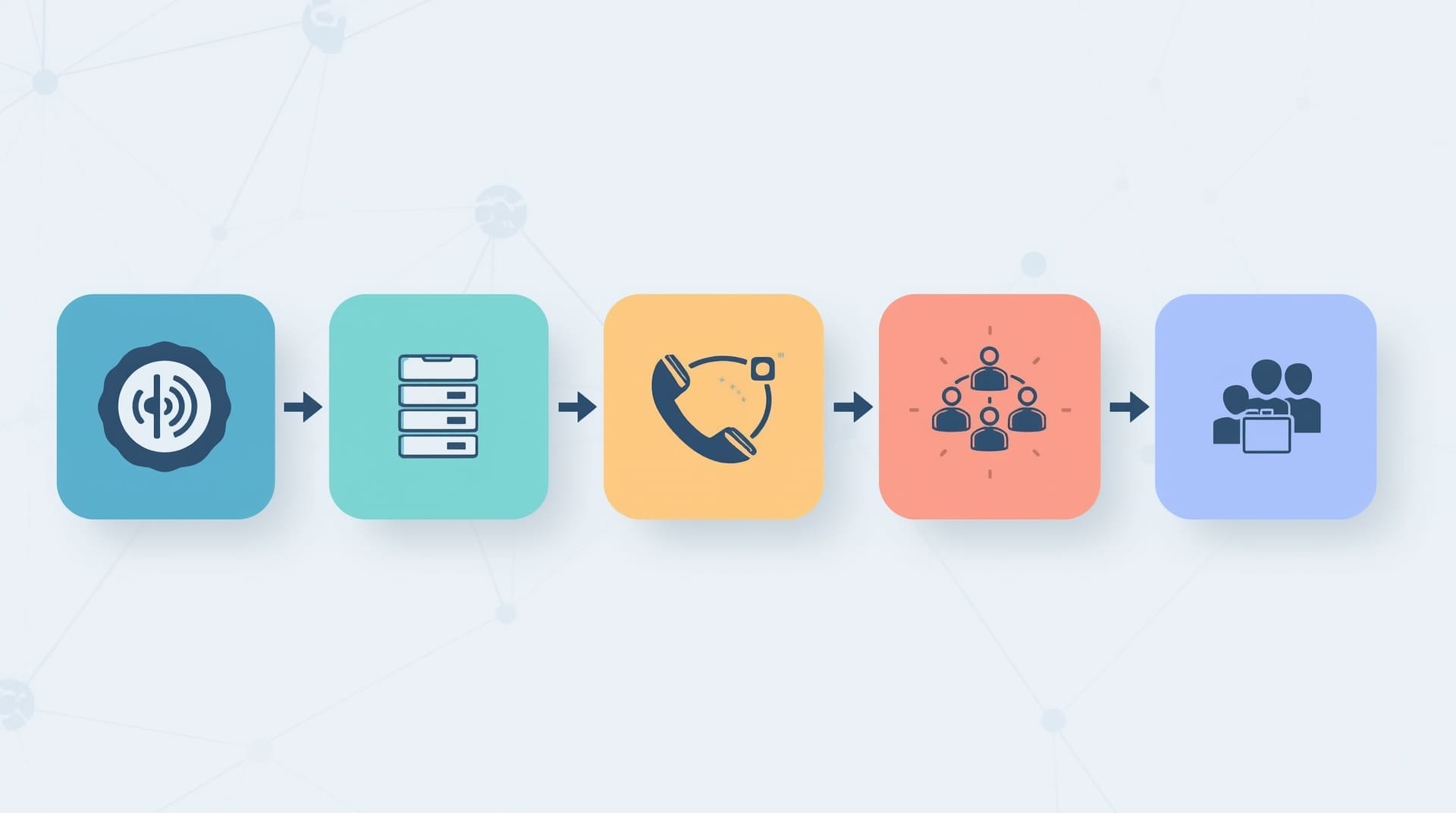
Setting up a VoIP phone system for small business is simpler than most owners expect, especially with a managed service provider handling the technical work. Here is a straightforward sequence that covers the process from start to first call.
1. Assess Your Current Network
Run a speed test and a VoIP readiness test from your office. Check your router’s QoS settings and confirm your internet plan provides enough upload bandwidth. Upload speed matters for voice quality because your voice travels outbound.
2. Choose Your VoIP Plan and Provider
Pick a plan based on user count, the features you need, and your budget. Most providers offer tiered plans. Start with the mid-tier option and upgrade only if you hit a feature wall. Make sure the provider offers local number porting so you keep your existing business numbers.
3. Port Your Existing Numbers
Number porting moves your current phone numbers from your old carrier to the new VoIP platform. This process typically takes 2 to 10 business days. During porting, your old lines stay active, so there is no gap in service.
4. Configure Extensions and Call Flows
Use the admin portal to set up user extensions, the auto-attendant greeting, call routing rules, and voicemail. This is where you design how a caller moves through your phone system, from the initial greeting to reaching the right person.
5. Deploy Devices and Train Your Team
Install desk phones if you are using them, or set up the softphone app on each employee’s computer or mobile device. Run a 30-minute walkthrough with your team covering how to transfer calls, check voicemail, and use the features they will touch daily.
Common Mistakes Small Businesses Make with VoIP
Even a good platform delivers a poor experience when the setup is rushed or the network is ignored. These are the mistakes that show up most often, and they are all avoidable.
Skipping the Network Assessment
The number-one cause of bad VoIP call quality is a network that was never checked before the switch. Running VoIP over a congested or improperly configured network produces audio problems that frustrate your team and your callers. Fix the network first, then activate the phones.
Choosing a Plan Based on Price Alone
The cheapest VoIP plan often lacks call analytics, CRM integration, or reliable customer support. A slightly higher monthly investment for a feature-complete plan almost always pays back in productivity. Compare total value, not just the headline price per seat.
Ignoring Security on the Phone System
VoIP systems are software, and software can be attacked. Toll fraud, where attackers use your phone system to make calls at your expense, is a real risk on poorly secured systems. Use strong passwords for every extension, enable two-factor authentication on the admin portal, and keep your router firmware updated. Pairing your VoIP setup with a broader cybersecurity plan for your Raleigh business adds another layer of protection.
Not Planning for Power Outages
Traditional phones sometimes work during a power outage because the line carries its own current. VoIP phones go down when your router loses power. A small uninterruptible power supply (UPS) for your router and switches keeps your phones online during brief outages.
VoIP vs. Traditional Phone Systems: Key Differences at a Glance

Understanding what you are leaving behind helps you set realistic expectations. Here is how the two systems compare on the factors that matter most to small business owners.
- Cost: VoIP wins on monthly cost, long-distance, and hardware. Traditional systems cost more to install and maintain.
- Features: VoIP includes features like auto-attendant, call recording, and mobile apps by default. Traditional systems charge extra for each add-on.
- Scalability: Adding a VoIP line takes minutes in the admin portal. Adding a traditional line requires a technician visit and physical wiring.
- Reliability: Traditional lines are less dependent on internet quality. VoIP reliability depends heavily on your broadband connection and network setup.
- Flexibility: VoIP lets remote employees use their business number from anywhere. Traditional systems tie employees to a physical desk.
Who Benefits Most from a VoIP Phone System
Almost any small business gains something from VoIP, but some situations make the switch especially compelling. If any of these describe your operation, VoIP is likely the right move.
- You have remote or hybrid employees who need a business phone number.
- You are spending more than $30 per line per month on your current phone bill.
- You want to project a professional image with an auto-attendant and hold music.
- Your team needs video calls and messaging in one platform, not three separate apps.
- You are planning to grow your headcount and want a phone system that scales without added hardware.
- You are located in the Raleigh area or nearby towns like Cary, Morrisville, or Apex and want local IT support for your setup.
Final Thoughts on VoIP Phone Systems for Small Business
A VoIP phone system for small business is one of the most practical technology upgrades you can make. It cuts costs, adds capabilities, and gives your team the flexibility to work from anywhere without losing a professional presence. The technology is mature, the setup is straightforward, and the savings are real from day one.
The biggest variable is execution. A well-planned rollout on a properly configured network delivers a phone system your team will barely have to think about. If you want help evaluating your options or getting your network ready, a local managed IT provider can take the complexity off your plate and get you up and running quickly.
Frequently Asked Questions About VoIP Phone Systems for Small Business
How reliable is a VoIP phone system for small business compared to a landline?
Modern VoIP systems are highly reliable when your internet connection is stable and your network is properly configured. Most enterprise-grade VoIP providers offer uptime guarantees of 99.9 percent or higher. The main risk is a broadband outage, which a backup cellular connection or a UPS for your router can address.
Can I keep my existing business phone number when I switch to VoIP?
Yes. Number porting lets you transfer your current numbers from your old carrier to your new VoIP provider. The process usually takes 2 to 10 business days. Your existing lines stay active during the transfer, so you will not miss any calls.
Do I need new hardware to use a VoIP phone system?
Not necessarily. Most VoIP providers offer a softphone app for computers and mobile devices, so your team can use existing hardware at no extra cost. If you prefer physical desk phones, VoIP-compatible IP phones are widely available at different price points.
How many users can a VoIP phone system support?
Cloud-based VoIP systems scale from 1 user to hundreds without any hardware changes. Adding a new user is done entirely through the web admin portal. Your monthly cost scales per user, so you only pay for the seats you actually need.
Is a VoIP phone system secure enough for a small business?
Yes, when configured correctly. Use strong, unique passwords for every extension and the admin portal. Enable two-factor authentication wherever your provider supports it. Keep your router and firewall firmware current, and work with a managed IT provider to monitor for toll fraud or unauthorized access attempts.