

Voice over internet protocol, or VoIP, is a technology that lets you make phone calls using your internet connection instead of a traditional phone line. Rather than routing your voice through copper wires, VoIP converts your speech into digital data packets and sends them across the internet. The result is clear, reliable communication at a fraction of the cost of legacy phone systems.
If you have ever used Zoom, Microsoft Teams, or a similar app to make a call, you have already used VoIP. But business-grade VoIP goes much further, offering features like call routing, auto-attendants, voicemail-to-email, and seamless integration with your existing software. Understanding what VoIP is and how it works helps you decide whether it is the right move for your organization.
Ready to learn more? Explore how Alta Technology Group delivers full-featured VoIP solutions for businesses in Raleigh, NC and the surrounding area.
How Voice over Internet Protocol Actually Works
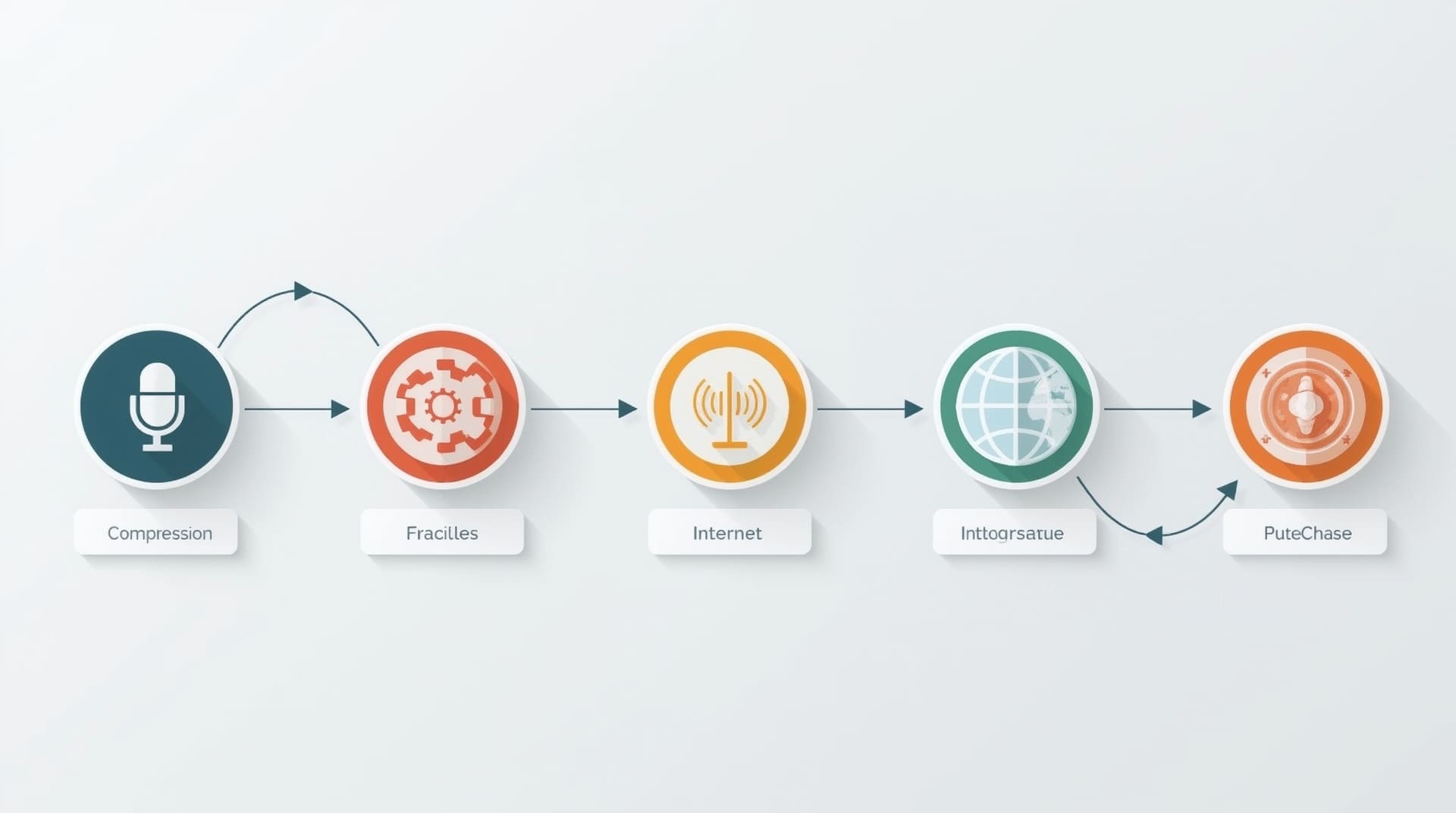
Traditional phone calls travel over a circuit-switched network, meaning a dedicated physical path is held open for the entire call. VoIP works differently. It uses a method called packet switching, where your voice is broken into small chunks of digital data called packets. Those packets travel across the internet independently and reassemble at the other end.
Here is a simplified breakdown of the process:
- Your microphone or desk phone captures your voice.
- A codec (a software tool that compresses and decompresses audio) converts the sound into digital data.
- The data is split into packets and labeled with destination information.
- The packets travel across your internet connection to the recipient.
- The recipient’s device reassembles the packets and plays back your voice in real time.
The entire process happens in milliseconds. A fast, stable internet connection is essential for keeping call quality high and latency (the delay between speaking and being heard) low.
The Core Components of a VoIP System
A business VoIP setup is made up of several key parts. Knowing what each one does helps you understand what you are buying and what you need to maintain.
IP Phones and Softphones
An IP phone looks like a traditional desk phone but connects through an ethernet cable or Wi-Fi instead of a phone jack. A softphone is software installed on a computer, tablet, or smartphone that turns the device into a fully functional business phone. Both types support standard features like hold, transfer, and conference calling.
PBX and Hosted PBX
A PBX, or private branch exchange, is the system that manages internal and external calls for a business. Traditional PBX hardware lives on your premises and requires ongoing maintenance. A hosted PBX, which is the most common VoIP deployment today, moves that system to the cloud. Your provider manages the infrastructure, and you simply pay a monthly fee per user.
SIP Trunking
SIP stands for Session Initiation Protocol. SIP trunking is a method of connecting your on-premises phone system to the public telephone network through the internet. It replaces physical phone lines with virtual ones, letting you scale up or down without ordering new hardware from a telecom provider.
Key Benefits of VoIP for Your Business
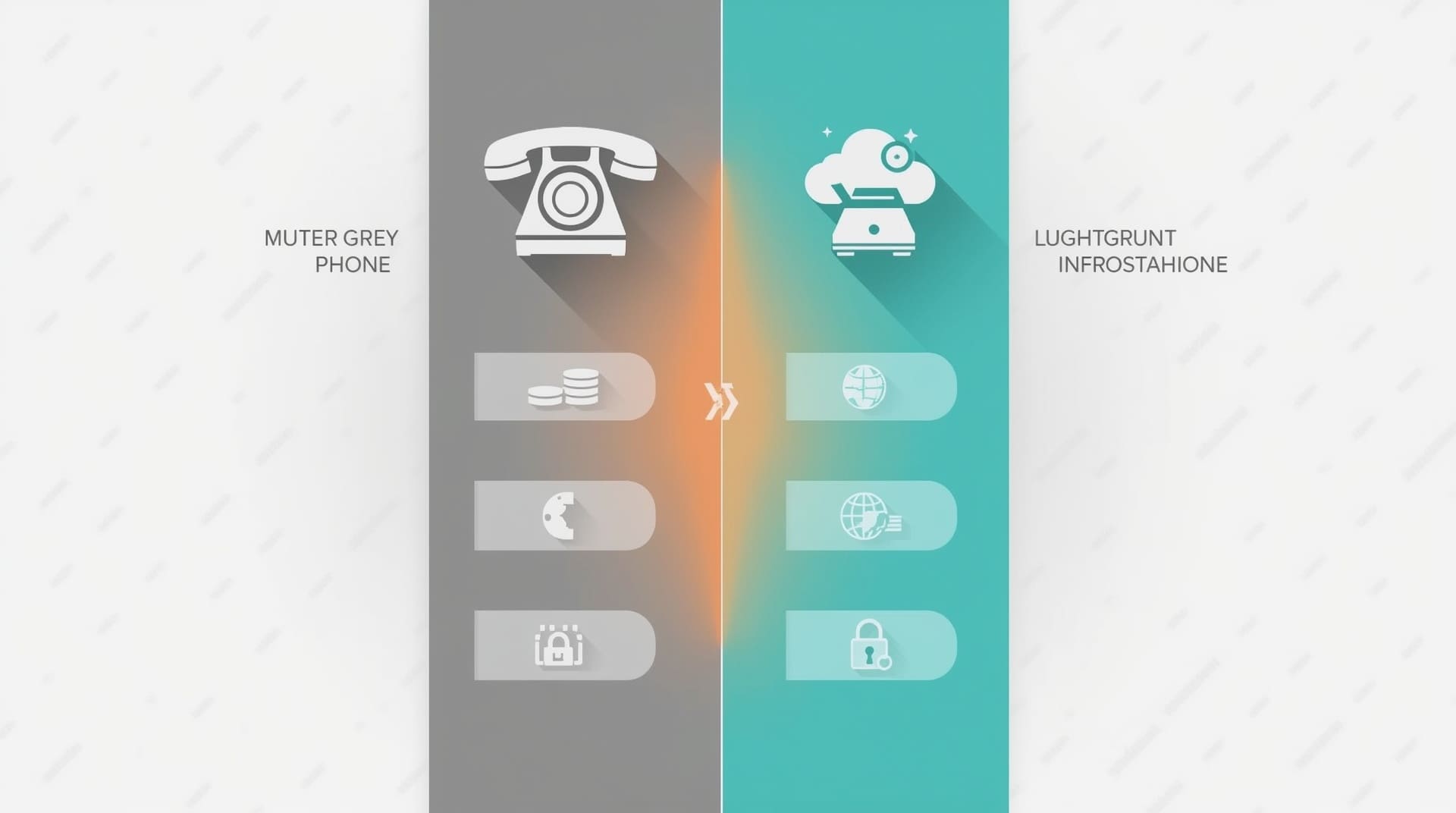
VoIP explained simply is this: more features, lower costs, and greater flexibility than traditional phone service. But the advantages go deeper than that summary suggests.
Lower Monthly Costs
Traditional phone lines carry per-minute charges, especially for long-distance and international calls. VoIP routes those calls over the internet, eliminating most of those fees. Most businesses report significant savings on their monthly phone bills after switching, particularly if they make frequent calls across state lines or to other countries.
Scalability Without New Hardware
Adding a new employee to a traditional phone system often means running new cable and buying new hardware. With VoIP, you add a user through a web portal in minutes. This makes VoIP a natural fit for growing businesses, remote teams, and companies that experience seasonal staffing changes.
Advanced Call Features Included
Business VoIP systems typically include features that would cost extra on a traditional system. These often include:
- Auto-attendant (a virtual receptionist that routes calls automatically)
- Voicemail-to-email transcription
- Call recording and analytics
- Ring groups and call queues
- Video conferencing and screen sharing
- Mobile app access for remote workers
Geographic Flexibility
A VoIP number is not tied to a physical location. Your team in Raleigh can share a single phone system with remote employees anywhere in the country. You can even keep your existing local area code when you switch, which matters for businesses with established client relationships.
| Feature | Traditional Phone | VoIP Phone |
|---|---|---|
| Monthly Cost | Higher, per-line fees | Lower, per-user pricing |
| Scalability | Requires hardware changes | Add users via web portal |
| Remote Work Support | Limited | Built in via mobile app |
| Advanced Features | Extra cost add-ons | Included in most plans |
| Hardware Needed | Physical phone lines | Internet connection only |
Types of VoIP Deployments to Know
Not every VoIP setup looks the same. The right deployment model depends on your business size, budget, and how much control you want over your phone infrastructure.
Hosted VoIP (Cloud-Based)
The provider hosts and manages all the phone system hardware and software in the cloud. Your team accesses it through IP phones or softphones. This is the most popular option for small and midsize businesses because it requires minimal upfront investment and shifts maintenance to the provider.
On-Premises VoIP
Your business owns and operates the PBX hardware on-site. You have more control over customization and data security, but you also carry the cost of maintenance, upgrades, and troubleshooting. Larger enterprises with dedicated IT teams often prefer this model.
Hybrid VoIP
A hybrid system combines on-premises hardware with cloud-based services. This works well for businesses that are mid-migration from a legacy phone system or that need to maintain certain legacy features while gaining VoIP benefits.
What Your Network Needs to Support VoIP
VoIP quality lives and dies with your network. Before you switch, it pays to understand the infrastructure requirements that keep calls sounding crisp and professional.
Bandwidth Requirements
Each active VoIP call uses roughly 85 to 100 kilobits per second of bandwidth. A small office with 10 simultaneous calls needs approximately 1 megabit per second dedicated to voice traffic. Most modern business internet connections handle this easily, but congestion during peak hours can cause call quality problems if you have not planned accordingly.
Quality of Service Settings
Quality of Service, often called QoS, is a network configuration that prioritizes voice traffic over other types of data. Without QoS, a large file download could temporarily steal bandwidth from an active call, causing choppy audio. Your network router or managed switch must support QoS configuration. A qualified IT provider can set this up as part of your VoIP rollout.
Network Stability and Redundancy
Packet loss (when data packets fail to reach their destination) and jitter (irregular packet delivery timing) are the two biggest enemies of VoIP call quality. A well-managed network with proper redundancy keeps both problems under control. Businesses that rely heavily on phone communication should consider a secondary internet connection as a failover backup.
VoIP Security Risks and How to Address Them
Because VoIP runs over the internet, it faces cybersecurity threats that traditional phone lines do not. Understanding these risks helps you build a system that stays protected.
Common VoIP Threats
- Eavesdropping: Unencrypted VoIP traffic can be intercepted by attackers on the same network.
- Vishing (voice phishing): Attackers use spoofed VoIP numbers to impersonate businesses or government agencies.
- Denial of service (DoS) attacks: Flooding your VoIP server with fake traffic disrupts legitimate calls.
- Call fraud: Attackers hijack your VoIP account to make large volumes of calls at your expense.
Practical Security Measures
Strong VoIP security does not require a complex setup. The following practices cover the most critical exposure points:
- Use end-to-end encryption protocols like SRTP (Secure Real-time Transport Protocol) for all calls.
- Require strong, unique passwords for every VoIP account and admin portal.
- Enable multi-factor authentication on your VoIP management portal.
- Keep your VoIP software and firmware updated to patch known vulnerabilities.
- Segment your voice network from your general data network using VLANs (virtual local area networks).
Partnering with a managed IT provider that monitors your network around the clock adds another layer of protection. Proactive monitoring catches anomalies before they become costly incidents.
VoIP vs. Traditional Phone Lines: Making the Comparison Clear
The phrase “what is VoIP” often comes with a follow-up question: is it actually better than what I have now? For most businesses, the answer is yes, but context matters.
Traditional landlines are extremely reliable and do not depend on internet connectivity. If your area experiences frequent internet outages, or if you run a business where phone uptime is mission critical, you need a VoIP provider with strong redundancy options or a failover plan. Hosted VoIP providers typically offer uptime guarantees, and many include automatic failover to a mobile number if your connection drops.
For businesses in growing markets like Raleigh and surrounding communities such as Cary, Morrisville, and Apex, VoIP scales as you add locations and staff without the cost of installing new physical phone infrastructure at each site. That flexibility alone often justifies the switch.
How to Switch to VoIP Without Disrupting Your Business

Moving to VoIP does not have to mean downtime or a steep learning curve. A structured migration approach keeps your team connected throughout the transition.
Step 1: Audit Your Current Setup
Document your existing phone numbers, extensions, call flows, and any special features like call recording or IVR menus (the “press 1 for sales” type of automated menus). This inventory becomes your blueprint for the new system.
Step 2: Test Your Network Readiness
Run a VoIP readiness assessment on your current internet connection and internal network. Your IT provider can test for bandwidth, latency, jitter, and packet loss. Fix any issues before you go live to avoid call quality problems after launch.
Step 3: Choose Your Deployment Model
Decide between hosted, on-premises, or hybrid VoIP based on your budget, team size, and IT capabilities. Most small and midsize businesses find that hosted VoIP delivers the best balance of cost, features, and ease of management.
Step 4: Port Your Numbers
Number porting is the process of transferring your existing phone numbers to the new VoIP provider. Most providers handle this process on your behalf, but it can take one to four weeks. Plan your cutover date around this timeline so clients always reach you at the same number.
Step 5: Train Your Team
Even the most intuitive VoIP platform requires a short orientation. Walk staff through how to transfer calls, set up voicemail, use the mobile app, and access any call recording features. A brief training session prevents confusion on go-live day.
Choosing the Right VoIP Provider for Your Business
Not all VoIP providers deliver the same level of service. Knowing what to look for saves you from a costly switch later.
Start with reliability. Ask any prospective provider for their historical uptime percentage. Look for providers that guarantee 99.9 percent uptime or better and clearly document their redundancy architecture. Call quality is non-negotiable for a business phone system.
Next, evaluate support. If a call issue arises at 8 a.m. on a Monday, you need someone available to fix it immediately. Some providers offer 24/7 live support, while others limit you to email tickets during business hours. For businesses that depend on phone communication, round-the-clock support is worth paying for.
Finally, consider how the system integrates with your existing tools. Many VoIP platforms connect directly with CRM software, helpdesk platforms, and team collaboration tools. This integration can streamline workflows and give your team a more complete picture of every customer interaction.
Final Thoughts on Voice over Internet Protocol
Voice over internet protocol is no longer an emerging technology. It is the communication standard for modern businesses, offering lower costs, more features, and far greater flexibility than traditional phone lines. Whether you run a five-person startup or a growing enterprise with multiple locations, VoIP scales to meet you where you are.
The key to a successful VoIP deployment is preparation: a solid network foundation, a clear migration plan, and a provider with proven reliability and responsive support. With those pieces in place, switching to VoIP is one of the most straightforward upgrades a business can make to its infrastructure.
Frequently Asked Questions About Voice over Internet Protocol
Do I need new phones to use VoIP?
Not necessarily. If you already own IP-compatible desk phones, they may work with your new VoIP system. You can also use softphone apps on computers and smartphones, which eliminates the need for any physical hardware. Your VoIP provider can confirm compatibility with your existing equipment during the onboarding process.
What happens to my VoIP calls if the internet goes down?
Most hosted VoIP providers include automatic failover options. These can redirect calls to a mobile number, another office location, or a voicemail box if your internet connection drops. You can also add a secondary internet connection as a backup to prevent any service interruption during outages.
Is VoIP reliable enough for a business phone system?
Yes, when it is set up correctly. Business-grade VoIP with a properly configured network, adequate bandwidth, and quality of service settings delivers call quality that matches or exceeds traditional phone lines. Most enterprise VoIP providers offer service-level agreements that guarantee high uptime percentages.
Can I keep my current phone number when switching to VoIP?
Yes. The process is called number porting, and most VoIP providers handle it for you. It typically takes one to four weeks to complete. During that time, your old phone service remains active so you do not miss any calls. Once porting is complete, your existing number works through the new VoIP system.
How much does business VoIP typically cost?
Hosted VoIP pricing varies by provider and feature set, but most business plans fall into a per-user monthly fee model. Basic plans with standard features cost less than traditional phone lines for most businesses. Advanced plans with call analytics, CRM integration, and video conferencing cost more but still tend to undercut the total cost of a traditional PBX system.