
IT asset management for business means tracking, maintaining, and optimizing every piece of technology your organization owns or uses. That includes physical hardware like laptops and servers, as well as software licenses, subscriptions, and cloud-based tools. Without a clear system, businesses waste money on unused licenses, run outdated equipment, and expose themselves to security gaps.
A solid IT asset management strategy gives you a complete picture of what you own, who is using it, and what it costs. For growing businesses in Raleigh and across North Carolina, that visibility is the foundation of smarter IT decisions and lower operational risk.
Ready to learn more? Explore how Managed IT Services from Alta Tech can help your business take control of its technology assets.
What IT Asset Management for Business Actually Covers
IT asset management, often called ITAM, is the process of tracking every technology resource across its entire life cycle. That life cycle runs from the moment you purchase or provision an asset to the moment you retire or dispose of it. ITAM covers both the physical and digital sides of your IT environment.
On the physical side, you are tracking hardware: computers, monitors, printers, servers, network switches, and mobile devices. On the digital side, you are managing software licenses, subscriptions, and cloud service entitlements. Both sides need attention, because gaps in either one create cost overruns or security vulnerabilities.
| Asset Category | Examples | Primary Risk if Untracked |
|---|---|---|
| Hardware | Laptops, servers, switches, printers | Theft, outdated equipment, unplanned replacement costs |
| Software Licenses | OS licenses, productivity suites, security tools | Compliance penalties, audit failures, overspending |
| Cloud Services | SaaS platforms, storage, hosted apps | Shadow IT, wasted spend, data governance gaps |
| Network Equipment | Routers, firewalls, access points | Unpatched firmware, network downtime, security gaps |
Hardware Asset Tracking: The Foundation of Good ITAM
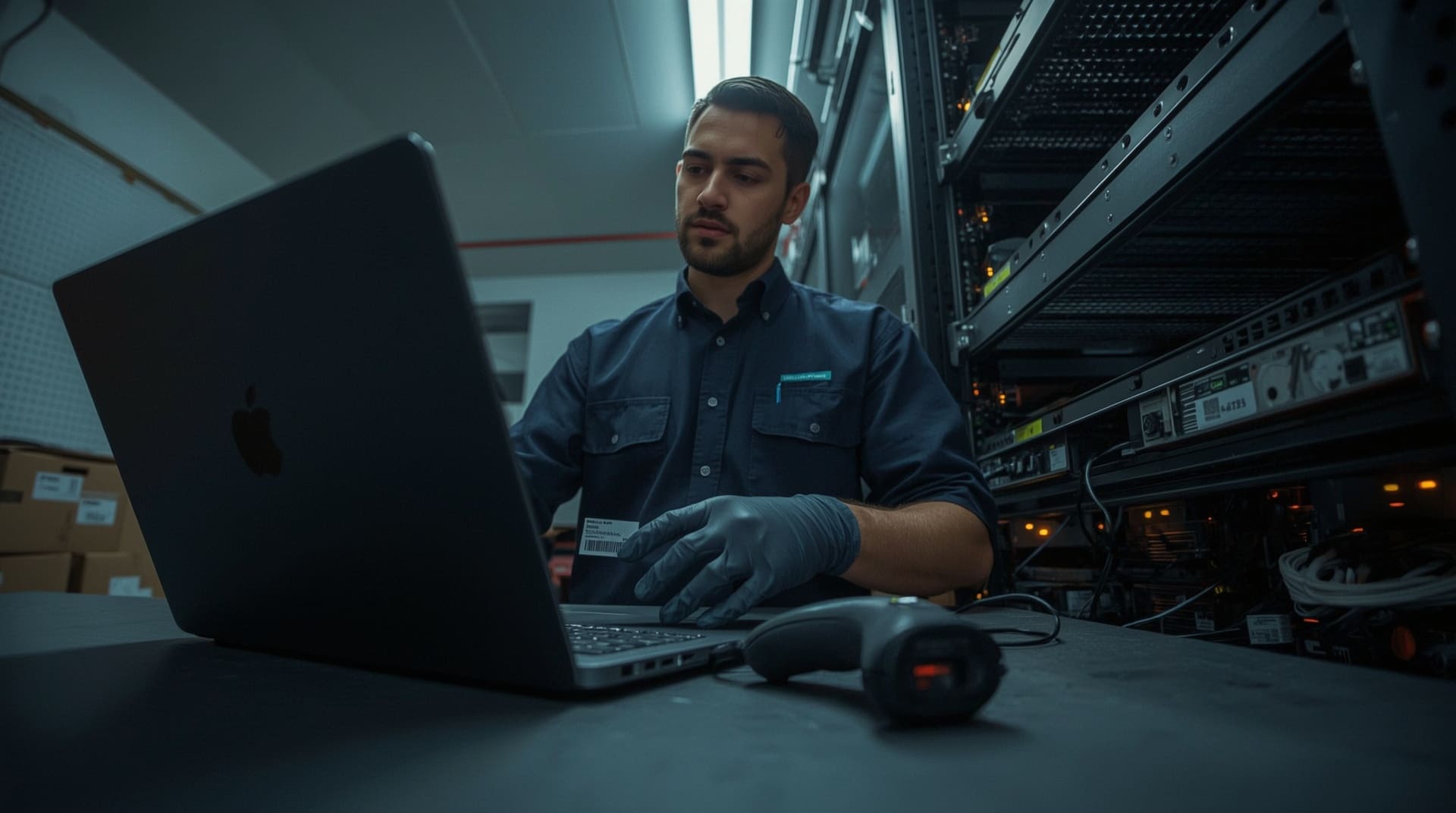
Hardware asset tracking means keeping a live, accurate record of every physical device your business owns. You need to know where each device is located, who is responsible for it, and what condition it is in. Without this record, devices go missing, replacements get duplicated, and security teams cannot respond quickly to incidents.
Effective hardware tracking typically involves assigning unique asset tags or barcodes to each device. Those tags link back to a central database that records purchase dates, warranty expiration, assigned users, and maintenance history. When a device reaches the end of its useful life, your team can plan for replacement before a failure disrupts operations.
Hardware tracking also supports your security posture. If a laptop is reported stolen or lost, your team can immediately identify the device, revoke access credentials, and initiate a remote wipe if the system supports it.
Software License Management: Staying Compliant and Avoiding Waste
Software license management is the process of tracking every software product your business is licensed to use, how many seats are allowed, and whether your actual usage matches those terms. It sits at the intersection of cost control and legal compliance.
Overpaying is one common problem. Many businesses pay for more seats than they use, especially after workforce changes. Underpaying, or using software beyond the terms of a license, carries a different risk: audit penalties and legal liability. Both problems are avoidable with proper tracking.
Key Elements of Software License Management
- License inventory: A complete list of every software title, edition, and version your business runs.
- Seat counts: A record of how many licenses you own versus how many are actively assigned.
- Renewal tracking: Alerts set well before subscription or maintenance contracts expire.
- Usage monitoring: Data on which licenses are actually being used so you can cut unused ones at renewal.
- Vendor contract records: Stored copies of agreements to verify terms during an audit.
The IT Asset Life Cycle and Why Every Stage Matters
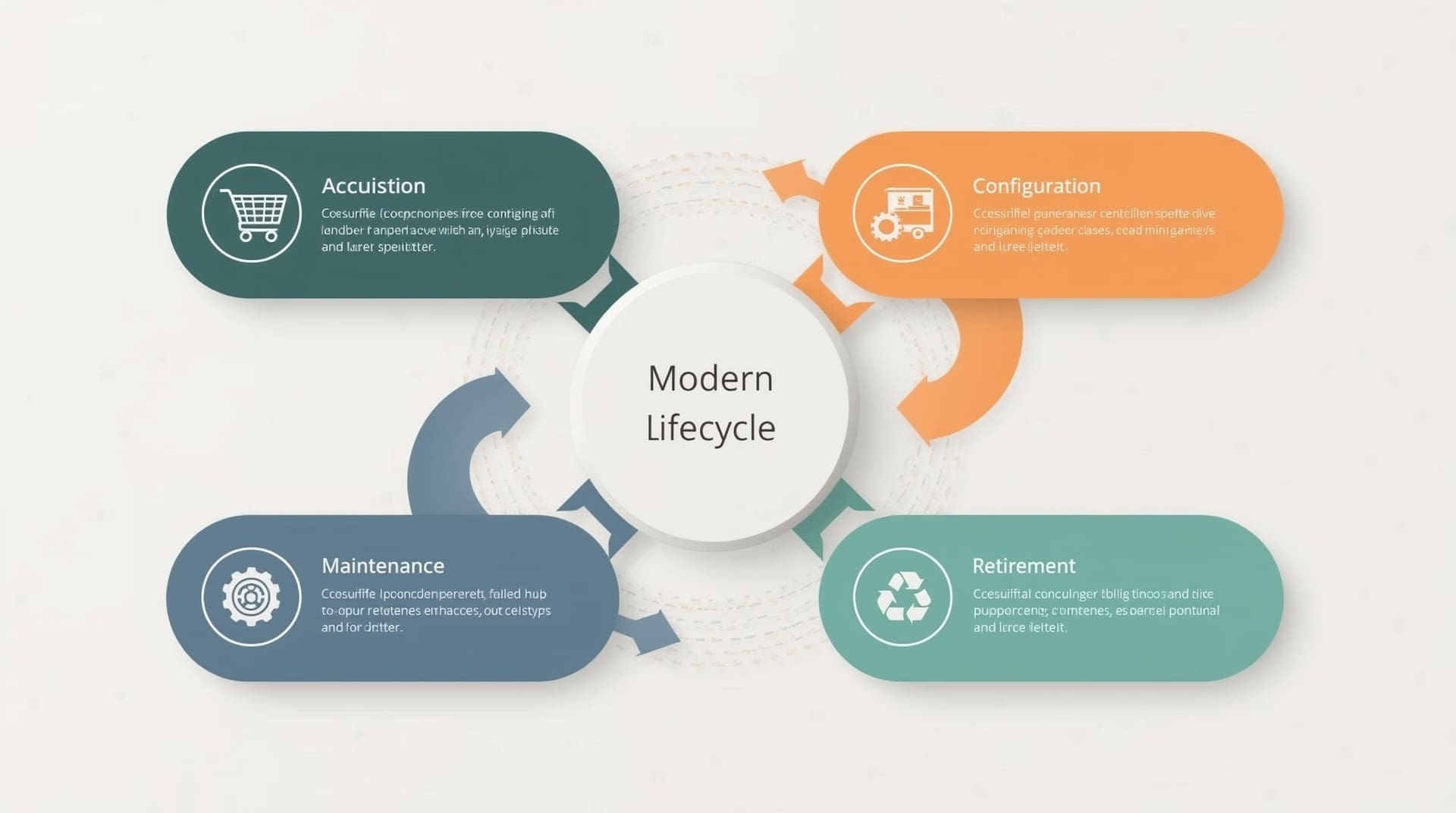
Every IT asset moves through a predictable life cycle. Understanding each stage helps your team make better decisions about spending, maintenance, and disposal. Managing this cycle well is one of the clearest ways ITAM saves money.
1. Planning and Procurement
Before purchasing, your team should verify that the asset fills a documented need, fits your standards, and connects with your existing infrastructure. Unplanned purchases create compatibility issues and inflate budgets.
2. Deployment and Configuration
Once received, hardware and software must be configured to your business standards before being issued to users. This step includes installing approved applications, applying security settings, and recording the asset in your tracking system.
3. Maintenance and Monitoring
Active assets need ongoing attention: firmware and software updates, warranty tracking, and performance monitoring. Skipping this stage leads to slow systems, security vulnerabilities, and surprise failures.
4. Retirement and Disposal
When an asset reaches the end of its useful life, it must be decommissioned properly. For hardware, that means wiping all data before disposal or recycling. For software, it means revoking licenses so those seats can be reassigned or eliminated.
Common IT Asset Management Mistakes Businesses Make
Most ITAM problems come from the same handful of errors. Recognizing them early saves significant time and money.
- No central inventory: Tracking assets in scattered spreadsheets or relying on memory creates gaps that grow over time.
- Skipping software audits: Without regular audits, unused licenses pile up and compliance risks go undetected.
- Ignoring end-of-life dates: Running hardware or software past vendor support dates leaves your systems exposed to known vulnerabilities.
- Poor onboarding and offboarding processes: Failing to assign or reclaim assets during employee transitions leads to lost devices and active credentials on unused accounts.
- No documented ownership: Every asset should have a named owner or responsible party. Without that, accountability disappears.
How IT Asset Management Supports Cybersecurity
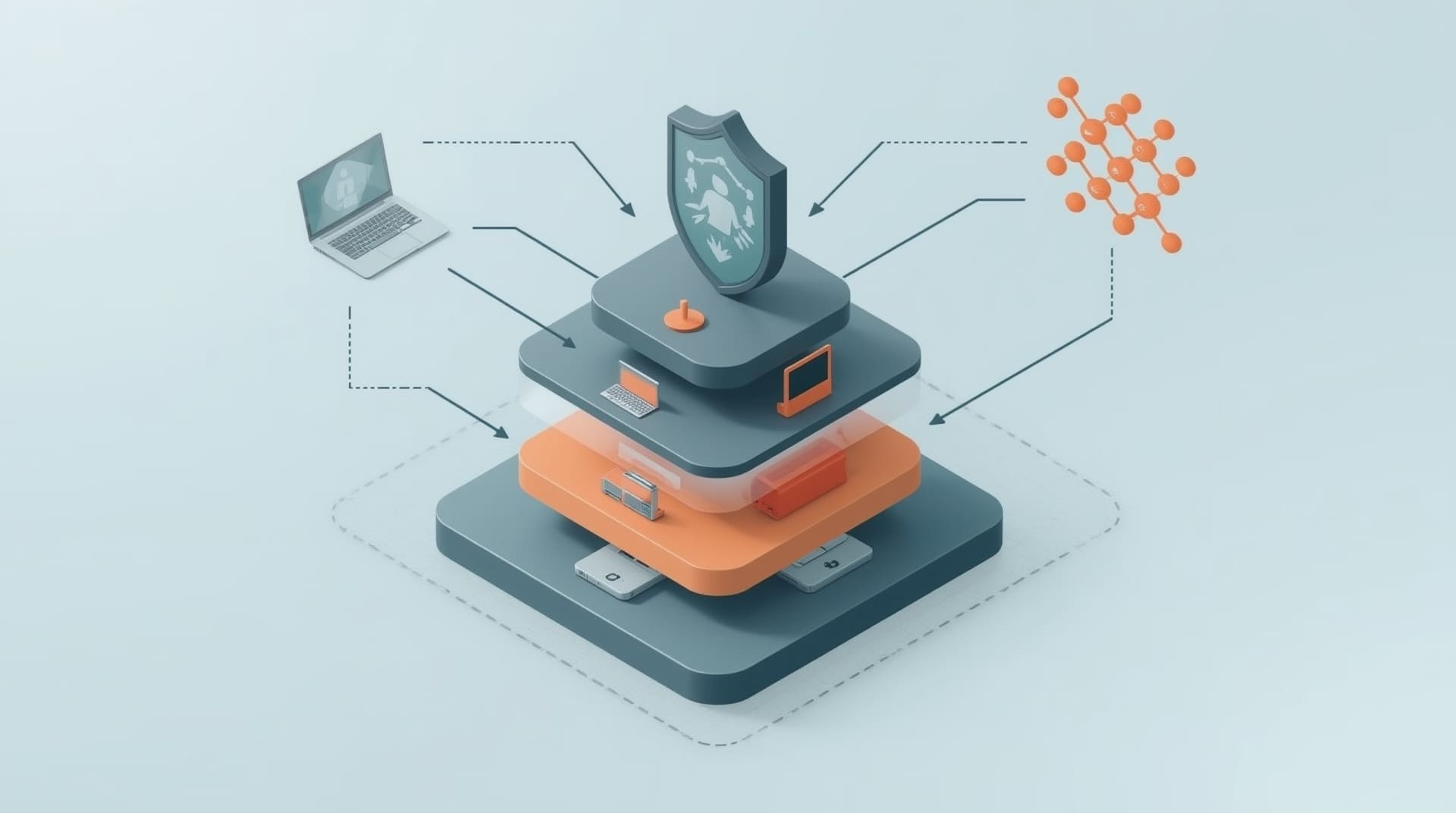
You cannot protect what you do not know exists. That statement is at the heart of why ITAM and cybersecurity go hand in hand. Untracked devices and unauthorized software are two of the most common entry points for security threats.
When your asset inventory is accurate and current, your security team can enforce patch management across every device. They can identify unauthorized software installations, flag devices that fall outside your approved configuration, and respond to incidents faster because they know exactly what is on your network.
Shadow IT, meaning software or services employees adopt without IT approval, is a major risk factor. Software license management processes naturally surface shadow IT because they require cataloging everything running in your environment. That visibility alone closes a significant security gap.
Tools That Power Effective IT Asset Management
A strong ITAM program relies on the right tools. The category of tool you need depends on your business size, the complexity of your IT environment, and whether you manage assets in-house or through a managed IT partner.
Asset Discovery and Inventory Platforms
These tools automatically scan your network and produce a list of every connected device and installed application. They reduce manual data entry and catch devices that might not appear in a manually maintained spreadsheet. Most platforms run scans on a schedule so your inventory stays current without extra effort.
IT Service Management Systems
IT service management, or ITSM, platforms combine asset tracking with helpdesk ticketing and change management. They link each support ticket to the affected asset, giving your team a complete history of incidents, repairs, and configuration changes tied to each device.
Software Asset Management Tools
Dedicated software asset management tools, often called SAM tools, focus specifically on license tracking, usage analytics, and compliance reporting. They connect to your software vendors and procurement records to keep license counts accurate in real time.
Integrated Managed IT Platforms
Many businesses in Raleigh work with a managed IT provider that bundles asset management into a broader service agreement. This approach gives you professional oversight without building an in-house ITAM team. Your provider monitors assets, flags issues, and handles renewals on your behalf.
Best Practices for Building a Sustainable ITAM Program
Building a sustainable IT asset management program does not require a massive upfront investment. It requires consistency, clear ownership, and the right processes applied from day one.
- Start with a full audit: Before you can manage assets, you need to know what you have. Conduct a thorough audit of all hardware and software across every location and remote employee.
- Assign asset owners: Every device and license should be linked to a specific person or department. Ownership drives accountability.
- Standardize your procurement process: Require all hardware and software purchases to go through a single, documented channel so new assets enter your inventory automatically.
- Schedule regular reviews: Conduct asset reviews at least quarterly. Check for unused licenses, aging hardware, and changes in your environment since the last review.
- Integrate ITAM with HR processes: Tie asset assignments to onboarding and offboarding workflows so devices and licenses are always properly allocated.
- Document disposal procedures: Create a written policy for how devices are wiped and disposed of when retired. This protects sensitive data and keeps you compliant with data protection regulations.
Final Thoughts on IT Asset Management for Business
IT asset management for business is not just an administrative task. It is a core discipline that protects your budget, strengthens your security posture, and keeps your operations running smoothly. Whether you are managing a handful of workstations or hundreds of endpoints across multiple locations, the principles remain the same: know what you own, track how it is used, and plan ahead for changes.
For businesses that lack the internal resources to run a full ITAM program, partnering with a managed IT provider is a practical path forward. You get the visibility and control of a professional program without hiring a dedicated asset management team. Start with the basics, build your processes over time, and your technology investments will work harder for your business.
Frequently Asked Questions About IT Asset Management for Business
What is the difference between IT asset management and IT inventory management?
IT inventory management is simply keeping a list of what you own. IT asset management goes further by tracking the full life cycle of each asset, including procurement, deployment, maintenance, and disposal. ITAM also includes financial and compliance data tied to each asset, making it a much more strategic discipline than a basic inventory list.
How often should a business audit its IT assets?
Most businesses benefit from a full audit at least once per year, with lighter quarterly reviews in between. Companies that grow quickly, experience high employee turnover, or operate in regulated industries should audit more frequently. Your managed IT provider can automate much of this process so reviews happen continuously rather than all at once.
Can small businesses benefit from IT asset management?
Absolutely. Even a business with ten employees can waste significant money on unused software licenses or lose a laptop without knowing it. ITAM scales to any size. Small businesses often find the biggest immediate gains in software license cleanup and hardware accountability, both of which require minimal investment to address.
What is shadow IT and why does it matter for asset management?
Shadow IT refers to software, apps, or cloud services that employees use without the knowledge or approval of the IT department. It matters for asset management because unauthorized tools do not appear in your inventory, cannot be secured or patched, and may violate data privacy regulations. Software license management processes are one of the most effective ways to surface and address shadow IT.
How does hardware asset tracking help with cybersecurity compliance?
Many cybersecurity frameworks, including those required for government contracts or healthcare data, require organizations to maintain an accurate inventory of all hardware connected to their network. Hardware asset tracking satisfies this requirement directly. It also supports faster incident response, because your team can immediately identify any device involved in a security event and take action.