

IT vendor management best practices are the difference between a technology stack that works for your business and one that quietly drains your budget. Most business owners work with multiple IT vendors at once, from cloud providers and software companies to hardware suppliers and managed service partners. Without a clear system for managing those relationships, costs rise, accountability slips, and security gaps appear.
This guide breaks down the core practices that help you stay in control of your vendor relationships. Whether you are just starting to formalize your process or looking to tighten an existing one, these strategies will help you get more value from every vendor contract you sign.
Ready to learn more? Explore how AltaTech’s managed IT services in Raleigh can help you simplify vendor oversight and keep your technology running smoothly.
What IT Vendor Management Actually Means for Your Business
IT vendor management is the process of selecting, onboarding, monitoring, and renewing or ending relationships with technology suppliers. It covers every vendor that touches your IT environment, including your internet provider, software-as-a-service tools, cybersecurity vendors, and any contractors who support your systems.
Good vendor management is not just about negotiating lower prices. It is about making sure each vendor delivers what they promised, stays compliant with your security requirements, and fits into your broader technology strategy. Businesses in Raleigh and across the country lose thousands of dollars each year by letting vendor relationships run on autopilot.
Building a Complete Vendor Inventory Before You Do Anything Else
You cannot manage what you have not mapped. The first step in any strong vendor management program is creating a full inventory of every IT vendor your business uses. This includes obvious vendors like your internet provider and less obvious ones like the third-party plugin your team added to your website last year.
For each vendor, capture these key details:
- Vendor name and primary contact
- Service or product provided
- Contract start and renewal dates
- Monthly or annual cost
- Data access level (does the vendor touch sensitive business or customer data?)
- Compliance requirements (HIPAA, PCI-DSS, SOC 2, etc.)
Review this inventory at least once a quarter. Vendors change ownership, update terms, or quietly downgrade their security practices. Staying current protects you.
Vendor Risk Assessment as a Core IT Security Practice
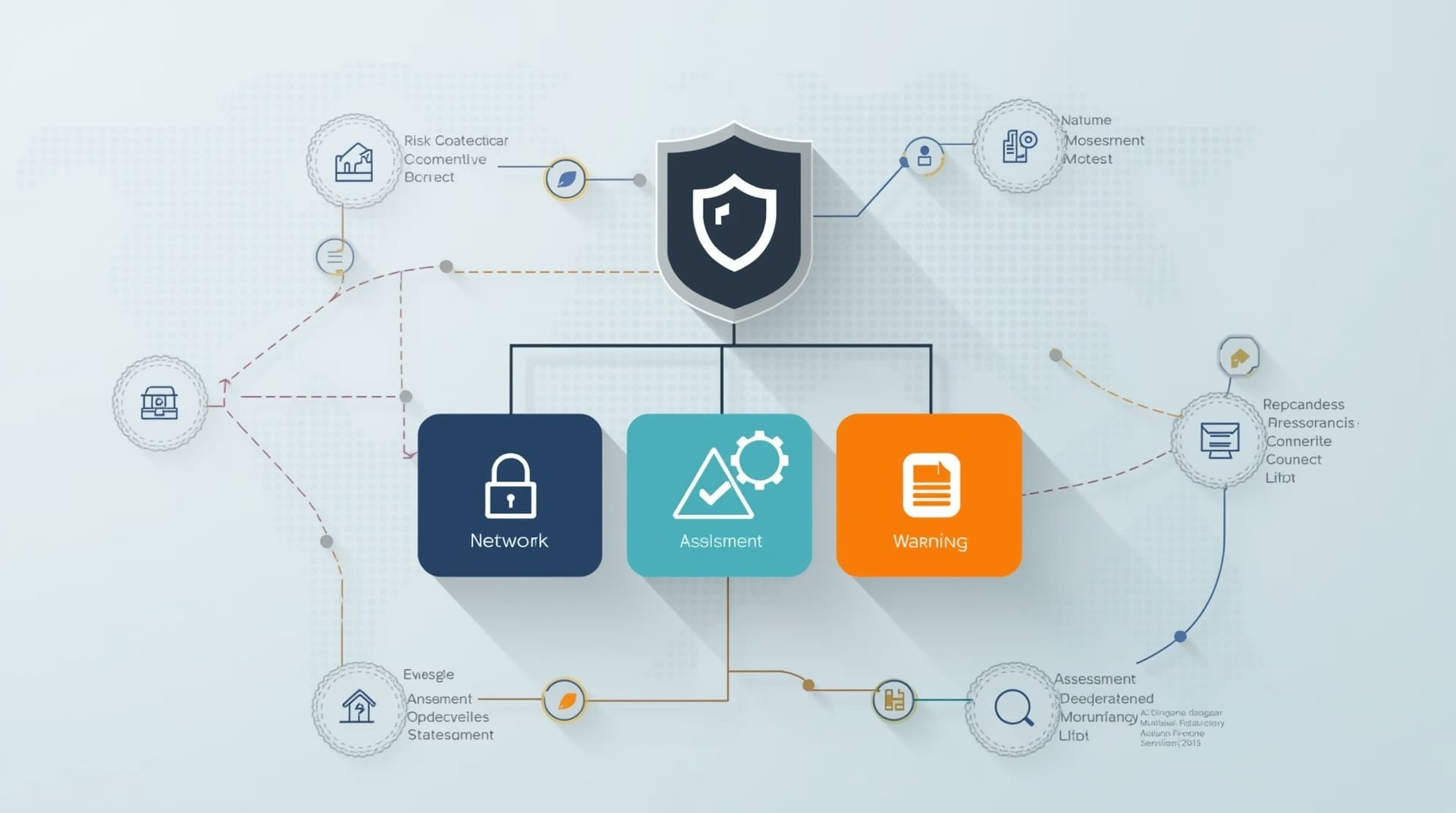
Every vendor that connects to your systems is a potential entry point for a cyberattack. Vendor risk assessment means evaluating each supplier’s security posture before you sign a contract and on a regular basis after that. A weak vendor can become your biggest vulnerability, even if your own systems are locked down tight.
When assessing a vendor’s risk level, consider these factors:
- Does the vendor encrypt data in transit and at rest?
- Do they have a documented incident response plan?
- Have they experienced a breach in the past three years?
- Do they carry cyber liability insurance?
- Can they provide a recent security audit or SOC 2 report?
Assign each vendor a risk tier (low, medium, or high) based on the answers. High-risk vendors should face stricter contract terms, more frequent reviews, and limited access to your core systems.
| Risk Tier | Vendor Type Example | Review Frequency | Contract Requirements |
|---|---|---|---|
| Low | Office supply vendor | Annually | Standard terms |
| Medium | SaaS productivity tools | Semi-annually | Data processing agreement |
| High | Managed IT or cybersecurity provider | Quarterly | SLA, audit rights, breach notification clause |
Writing Contracts That Actually Protect You
A vendor contract is your primary tool for holding suppliers accountable. Many small business owners sign vendor agreements without reading them carefully, and that creates problems down the road. A strong IT vendor contract protects your data, defines service expectations, and gives you options if something goes wrong.
Key Contract Elements to Include
- Service Level Agreement (SLA): An SLA sets specific performance standards, like uptime guarantees or response times. If the vendor misses these targets, the contract should define the remedy.
- Data ownership clause: Your business data belongs to you, not the vendor. Make this explicit in every contract.
- Termination rights: You need the right to exit the contract if the vendor fails to perform or if your business needs change.
- Breach notification requirement: The vendor must notify you within a set timeframe, often 72 hours, if a data breach occurs.
- Liability and indemnification: Define who is responsible if the vendor’s failure causes financial harm to your business.
Have a business attorney review any high-risk vendor contract before signing. The cost of that review is far less than the cost of a dispute later.
Setting Up a Vendor Performance Scorecard
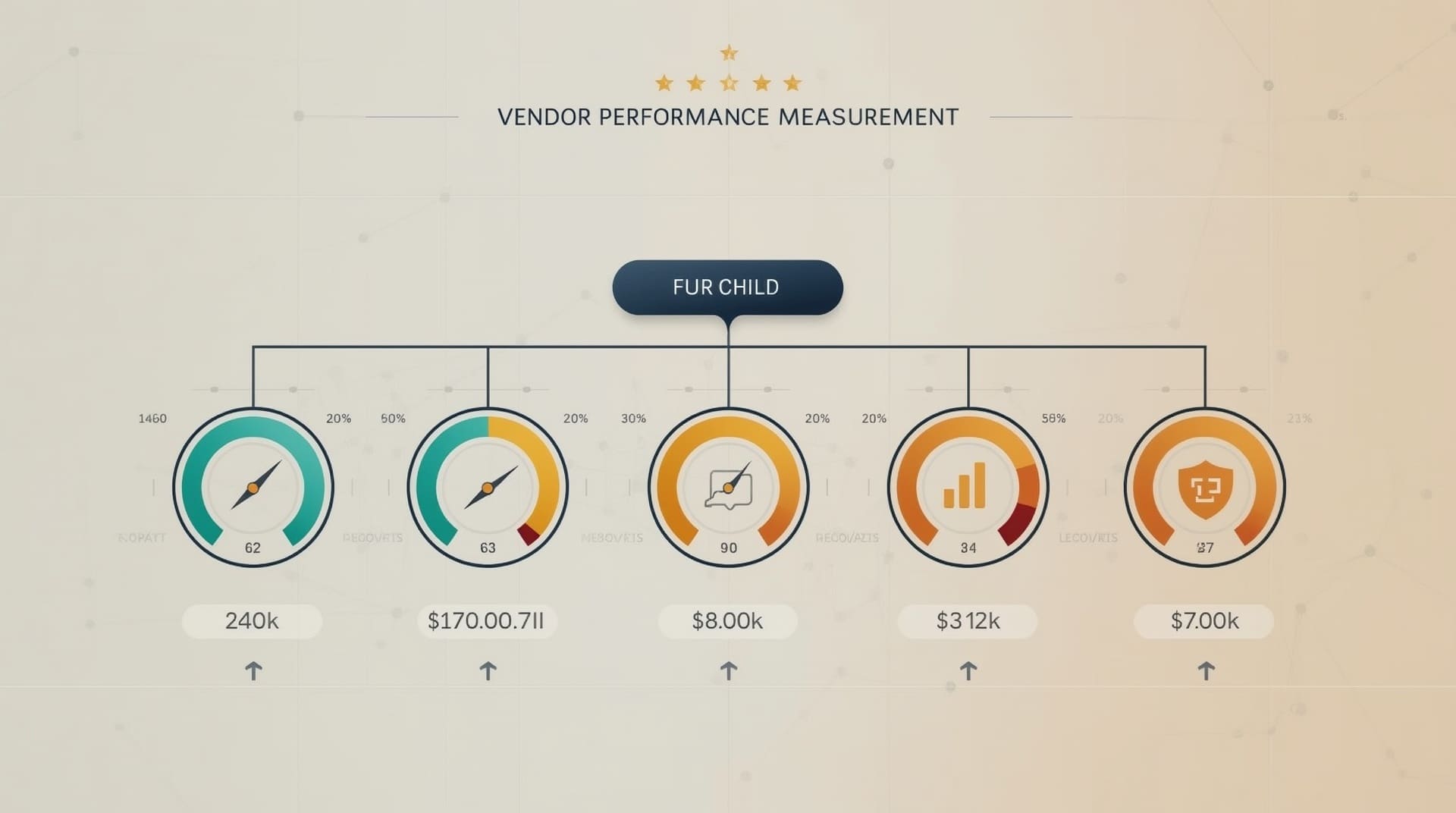
Vendor performance scorecards are structured tools that let you measure how well each vendor is meeting your expectations. Think of it as a report card you run on your suppliers every quarter. Without this kind of measurement, you rely on gut feeling instead of facts when deciding whether to renew or replace a vendor.
A simple scorecard tracks metrics like these:
- Uptime and availability compared to the promised SLA
- Response time on support tickets or service requests
- Invoice accuracy and billing consistency
- Security compliance updates and audit results
- Communication quality during incidents or outages
Share the scorecard results with each vendor during your regular review meetings. Most vendors will work harder when they know their performance is being measured and documented. It also gives you solid evidence if you need to negotiate better terms or end the relationship.
Protecting Your Data When Vendor Relationships End
Vendor offboarding is one of the most overlooked steps in IT vendor management. When you stop working with a vendor, you need a clear process to retrieve your data, revoke access, and close any open security gaps. Skipping this step leaves former vendors with access to your systems longer than they should have it.
A solid offboarding checklist should cover these steps:
1. Revoke All System Access
Immediately disable or delete any accounts, credentials, or API keys the vendor used to access your systems. This includes third-party logins to cloud platforms, remote desktop tools, and network monitoring software.
2. Retrieve or Confirm Deletion of Your Data
Request a formal confirmation that the vendor has deleted your data from their systems. If your data is stored in the vendor’s cloud environment, get it exported and backed up before terminating the contract.
3. Document the Offboarding Process
Keep a written record of when access was revoked, who authorized it, and how your data was handled. This documentation protects you if a dispute arises later.
Managing Vendor Costs Without Sacrificing Quality
Vendor cost management is not just about finding the cheapest option. It is about making sure you are paying for value you actually receive. Many businesses overpay for vendor services because they never renegotiate after the initial contract, or they keep paying for licenses and features their team stopped using.
These vendor management tips help you control costs without cutting corners:
- Review your vendor invoices monthly and flag any line items that do not match your contract terms.
- Audit software licenses every six months and remove seats for employees who have left the company.
- Use renewal dates as leverage. Vendors are often willing to offer better pricing or terms when they know you are evaluating alternatives.
- Consolidate where it makes sense. Using one vendor for multiple services can reduce costs and simplify management.
Do not confuse low price with good value. A cheap vendor with poor support can cost you far more in downtime and lost productivity than a slightly higher-priced option with strong service.
Building Regular Communication Into Every Vendor Relationship
Managing IT vendors well requires consistent communication, not just contact during crises. Set up a regular cadence of check-ins with your most important vendors. For high-risk or mission-critical vendors, a quarterly business review is a good standard. For lower-risk vendors, a brief annual check may be enough.
During these reviews, cover these key topics:
- Performance against the scorecard metrics
- Upcoming changes to the vendor’s products or pricing
- New features or services that might benefit your business
- Any security updates, patches, or compliance changes
- Your business’s evolving needs and whether the vendor can still meet them
Strong vendor relationships are built on trust, and trust comes from honest, regular conversation. A vendor who understands your business goals will serve you better than one who only hears from you at renewal time.
Using a Managed IT Partner to Streamline Vendor Oversight

Managing multiple IT vendors is time-consuming, especially for small and mid-sized businesses without a dedicated IT department. Many business owners in Raleigh partner with a managed IT services provider to take on the day-to-day work of vendor coordination, contract tracking, and performance monitoring.
A managed IT partner acts as a single point of contact between your business and all of your technology vendors. They track renewal dates, enforce SLAs, handle escalations, and flag security issues before they become serious problems. This approach reduces the burden on your team while keeping vendor accountability high.
If you are spending more time managing vendor problems than running your business, a managed IT partner may be the most efficient solution available to you.
Final Thoughts on IT Vendor Management Best Practices
Strong IT vendor management best practices give you control over one of the most complex parts of running a modern business. By building a vendor inventory, assessing risk, writing solid contracts, measuring performance, and communicating consistently, you turn scattered vendor relationships into a reliable, well-governed technology ecosystem.
The effort you put into managing IT vendors pays off in lower costs, fewer surprises, and a more secure business environment. Start with the practices that address your biggest current pain points, then build from there. Small, consistent steps lead to a vendor program that genuinely supports your business goals.
Frequently Asked Questions About IT Vendor Management Best Practices
How many IT vendors does a typical small business use?
Most small businesses use between five and twenty IT vendors at any given time. This count includes cloud storage providers, software subscriptions, hardware suppliers, internet service providers, and any IT support or cybersecurity firms. The exact number varies by industry and company size, but the list grows quickly as businesses adopt more digital tools.
What is the difference between a vendor contract and an SLA?
A vendor contract is the overall legal agreement that covers the entire relationship, including payment terms, ownership rights, and termination conditions. A service level agreement, or SLA, is a specific section or attached document that defines performance standards, like uptime percentages or response time goals. Both are important. The SLA gives you measurable benchmarks, while the contract gives you legal remedies if those benchmarks are not met.
How often should I review my IT vendors?
The review frequency should match the vendor’s risk level and importance to your operations. High-risk vendors, such as those with access to sensitive data or critical systems, deserve a quarterly review. Medium-risk vendors can be reviewed semi-annually. Low-risk vendors with minimal system access may only need an annual check-in. At minimum, review every vendor before each contract renewal date.
What should I do if a vendor is not meeting their SLA?
Start by documenting the specific failures with dates, ticket numbers, and impact on your operations. Then contact the vendor in writing and request a formal response and remediation plan. Most contracts include a cure period, which is a set amount of time the vendor has to fix the problem before you can escalate or terminate. If the issue persists, escalate to a senior contact at the vendor and reference your contract terms clearly.
Can a managed IT provider handle vendor management on my behalf?
Yes, and many business owners find this approach highly effective. A managed IT services provider can track your vendor contracts, monitor performance against SLAs, handle day-to-day vendor communications, and flag renewal dates in advance. This keeps your technology stack accountable without adding workload to your internal team. It is especially valuable for businesses without a full-time IT staff member on site.