

Your IT support SLA response time is one of the most important numbers in your managed services contract. It tells you exactly how fast your provider must acknowledge and resolve an issue before they are in breach of their agreement. If you have never read that section closely, now is the time.
An IT service level agreement (SLA) is the formal document that sets measurable commitments between you and your managed service provider (MSP). Response times, resolution targets, uptime guarantees, and escalation paths all live inside this document. Understanding what those numbers mean helps you hold your provider accountable and avoid costly downtime surprises.
Ready to learn more? Explore Alta Tech’s managed IT services in Raleigh, NC to see how we structure our support commitments.
What an IT Service Level Agreement Actually Contains
Most business owners sign a managed IT contract without reading the SLA section in detail. That section is where your provider’s real promises live. A well-written IT service level agreement defines response time, resolution time, availability windows, escalation procedures, and remedies when targets are missed.
Response time means how quickly your MSP acknowledges your ticket after you submit it. Resolution time means how long they have to fully fix the problem. These are two separate clocks, and both matter. Confusing them is one of the most common mistakes businesses make when reviewing contracts.
A strong SLA also spells out what happens when the provider misses a target. Common remedies include service credits, priority escalation, or executive review. If your current agreement says nothing about consequences, that is a red flag worth addressing before you renew.
How Priority Tiers Drive IT Support SLA Response Time

Not every IT problem is a five-alarm emergency. MSPs use priority tiers to categorize tickets by business impact. The tier assigned to your issue directly controls how fast the clock runs on your IT support SLA response time.
Most providers use a four-tier or three-tier system. Here is a common structure you will find across the industry:
| Priority | Issue Type | Typical Response Time | Typical Resolution Target |
|---|---|---|---|
| P1 Critical | Full outage, server down, security breach | 15 minutes to 1 hour | 2 to 4 hours |
| P2 High | Significant slowdown, key user blocked | 1 to 2 hours | 4 to 8 hours |
| P3 Medium | Single user issue, non-critical software | 2 to 4 hours | Next business day |
| P4 Low | General questions, minor requests | 4 to 8 hours | 2 to 5 business days |
Your contract should define each tier with clear business impact criteria. If priority assignment is left entirely to your MSP’s discretion, your urgent issues may end up in a lower queue than they deserve. Ask for written definitions of each tier before you sign.
Response Time vs. Resolution Time: A Critical Distinction
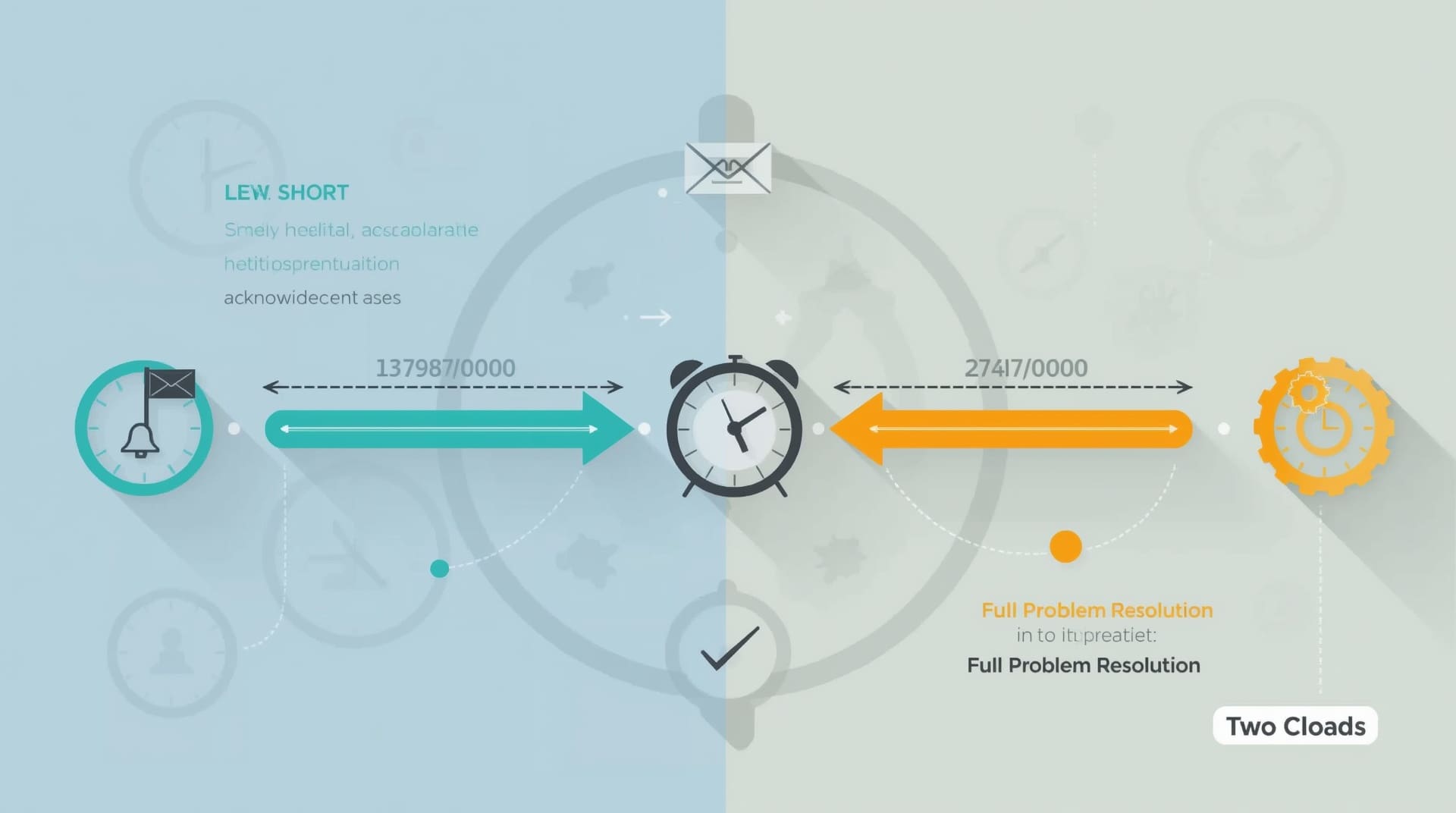
These two terms are often used interchangeably, but they measure very different things. Getting them confused leads to unmet support response expectations and frustrating conversations with your provider.
Response time is the window from when you open a ticket to when a technician acknowledges it and begins working. A 15-minute response time means a human is on your problem within 15 minutes. It does not mean it is fixed in 15 minutes.
Resolution time is the deadline by which the problem must be fully resolved. Some issues are resolved in minutes. Others require parts, vendor coordination, or escalation to a tier-3 engineer. Your SLA should set realistic resolution targets for each priority level, not just response targets. Both clocks need to be defined in writing.
What Good Support Response Expectations Look Like in Practice
Benchmarks help you know whether your MSP is performing at industry standard or falling short. Strong support response expectations vary by contract tier, but there are widely accepted ranges you should look for.
For critical issues, a response within 15 to 30 minutes is reasonable during business hours. After-hours critical response should still be under one hour if your provider offers 24/7 support. For medium-priority issues, a two-to-four-hour response during business hours is standard. Anything slower than four hours for a user-blocking issue should concern you.
Response time is only half the picture. Ask your MSP how they measure first-contact resolution, meaning the percentage of tickets closed on the first touch. A well-staffed help desk closes most P3 and P4 issues without escalation. If your provider cannot share that metric, it may signal capacity problems.
The Difference Between Business Hours and 24/7 SLA Coverage

Many SLAs state response times in business hours rather than calendar hours. This is a critical detail that changes how fast you actually get help. A “four-hour response” on a Friday afternoon might mean Monday morning if the clock stops at 5 PM.
If your business runs outside the standard 9-to-5 window, or if you have any systems that must stay online around the clock, you need a 24/7 SLA. This typically comes at a higher price tier but is non-negotiable for industries like healthcare, legal, or financial services.
Always ask your provider to clarify whether their quoted response times are in business hours or elapsed clock time. Get the answer in writing. The difference between the two can mean hours of additional downtime during nights and weekends.
Uptime Guarantees and How They Connect to SLA Commitments
Your SLA will usually include an uptime guarantee, often written as a percentage like 99.9% or 99.5%. These numbers sound similar but carry very different downtime allowances per year.
99.9% uptime allows roughly 8.7 hours of downtime per year. 99.5% allows about 43.8 hours. For a business with revenue tied to system availability, those extra 35 hours can translate into serious financial loss. Know your number and know what it actually means in real hours before you accept it.
Uptime guarantees typically apply to the infrastructure your MSP manages directly, such as servers, networks, and hosted services. They do not cover outages caused by third-party vendors, internet service providers, or events outside your MSP’s control. Read the exclusions carefully.
Escalation Paths and How They Protect Your Business
Even the best help desks cannot resolve every issue at tier 1. Escalation paths define the chain of technician levels your ticket moves through when the first responder cannot solve the problem. A well-defined escalation process is a sign of a mature IT support operation.
Tier 1 handles basic troubleshooting: password resets, printer issues, software restarts. Tier 2 handles more complex problems like server configuration errors or recurring network faults. Tier 3 is typically senior engineers who deal with deep infrastructure or custom application issues. Each tier should have its own response and resolution time target in your SLA.
Ask your MSP how long a ticket can sit at one tier before it auto-escalates. If there is no automatic escalation trigger, issues can stall indefinitely at a lower level. Automatic escalation rules are a sign of a provider that takes accountability seriously.
Common SLA Mistakes Businesses Make Before Signing
Many businesses in Raleigh and across the Triangle sign MSP contracts without fully evaluating the SLA section. These oversights tend to show up during the first major incident, when fixing them is too late.
1. Accepting Vague Language
Phrases like “best efforts” or “timely response” are not SLA terms. They are placeholders that give your provider no real accountability. Push for specific numeric targets on every priority tier before you sign.
2. Ignoring Exclusions and Caveats
Most SLAs include a list of situations where the response time clock does not run. Vendor outages, user-caused issues, and hardware not on the managed asset list are common exclusions. Read every exclusion and decide whether you can accept it.
3. Skipping the Remedies Section
An SLA without consequences is just a wish list. Confirm that your agreement includes concrete remedies such as service credits or escalation protocols when targets are missed. Some providers cap their liability at one month of fees, which may not cover the cost of a major outage.
4. Not Asking About After-Hours Coverage
If your SLA defaults to business hours and your business needs after-hours support, that gap needs to be addressed in writing. Do not assume 24/7 coverage is included unless you see it in the contract.
How to Review and Negotiate Your SLA Terms
Reviewing an SLA does not require a lawyer. You need a checklist and the confidence to ask direct questions. A good MSP welcomes clients who engage seriously with their contract terms because it sets clear expectations on both sides.
Start by listing your most critical systems and asking what priority tier each qualifies for under your MSP’s definitions. Then check whether the response and resolution targets for those tiers meet your business needs. If they do not, negotiate before signing, not after your first outage.
Also confirm how your MSP tracks and reports on SLA performance. Monthly reporting that shows ticket volume, average response times, and SLA compliance rates gives you the data you need to hold your provider accountable over time. If they cannot produce that data, that is itself a warning sign.
What Small Businesses Should Demand from an MSP SLA
Small businesses often have less negotiating power than enterprise clients, but that does not mean you should accept a weak SLA. The stakes are arguably higher for a smaller organization because you have fewer internal IT resources to fill the gaps when your provider is slow to respond.
At minimum, your SLA should include defined response and resolution times for at least three priority tiers, a clear definition of business hours and after-hours coverage, and a written remedies section. If you operate in a regulated industry, your SLA should also align with your compliance requirements.
Small businesses benefit most from a flat-rate managed IT model where the MSP is financially motivated to prevent issues rather than bill by the hour. In that model, a tight SLA aligns the provider’s incentives with your uptime goals. A loose SLA, by contrast, lets the provider absorb delays without consequence.
Final Thoughts on IT Support SLA Response Times
Your IT support SLA response time is not just a contractual detail. It is the primary measure of whether your MSP is actually protecting your business or just collecting a monthly fee. Understanding the tiers, the clocks, and the remedies puts you in a much stronger position as a buyer.
Take time to read your current agreement, ask hard questions, and compare the numbers against industry benchmarks. If your MSP cannot defend their SLA terms with clear data and accountability measures, it may be time to find a provider who can. Your business deserves a partner that treats downtime as seriously as you do.
Frequently Asked Questions About IT Support SLA Response Times
What is a reasonable IT support SLA response time for a small business?
For critical issues, a response within 15 to 30 minutes during business hours is a reasonable standard. For medium-priority issues, one to four hours is typical. Anything beyond four hours for a user-blocking issue should be questioned before you sign the contract.
Is there a difference between response time and resolution time in an SLA?
Yes, and the distinction matters. Response time measures how quickly your MSP acknowledges your ticket. Resolution time measures how long they have to fully fix the problem. Both should be defined separately for each priority tier in your agreement.
What happens if my MSP misses an SLA response time target?
A well-written SLA includes remedies such as service credits, escalation protocols, or financial penalties when targets are missed. If your contract does not include consequences for missed SLA targets, you have limited recourse when your provider falls short. Always confirm remedies before signing.
Does a 24/7 SLA cost more than a business-hours SLA?
Yes, 24/7 coverage typically comes at a higher price tier because it requires staffing outside normal business hours. Whether it is worth the extra cost depends on how critical your systems are during nights and weekends. Businesses in regulated industries or with customer-facing systems almost always need it.
How often should I review my IT service level agreement?
You should review your IT service level agreement at least once per year, ideally at renewal time. As your business grows and your systems become more complex, the SLA terms that were adequate two years ago may no longer meet your current needs. Request monthly performance reports from your MSP so you have data to guide that review.