

IT budget planning for small business is one of the most overlooked parts of running a company. Most small business owners know they need technology, but few have a clear plan for how much to spend or where that money should go. Without a structured approach, you end up reacting to problems instead of preventing them.
A well-built technology budget template keeps your annual IT spend aligned with your actual business goals. It helps you avoid surprise costs, prioritize the right tools, and make smarter decisions each year. This guide walks you through everything you need to build a practical IT budget that works for your size and industry.
Ready to learn more? Explore how managed IT services in Raleigh can help you plan and manage your technology spend more effectively.
What IT Budget Planning Actually Means for Small Businesses
An IT budget is a formal plan that maps out how much your business will spend on technology over a set period, usually 12 months. It covers hardware, software, support, security, and infrastructure. Think of it as a financial roadmap for your entire technology operation.
For small businesses, this process matters more than most people realize. You have fewer resources than large companies, so every dollar needs to work harder. A solid budget prevents overspending in one area while neglecting another, like buying new laptops but skipping cybersecurity protection.
IT budget planning is not just an accounting exercise. It forces you to think strategically about the technology your business depends on and where gaps exist today.
The Core Categories Every Technology Budget Template Should Include
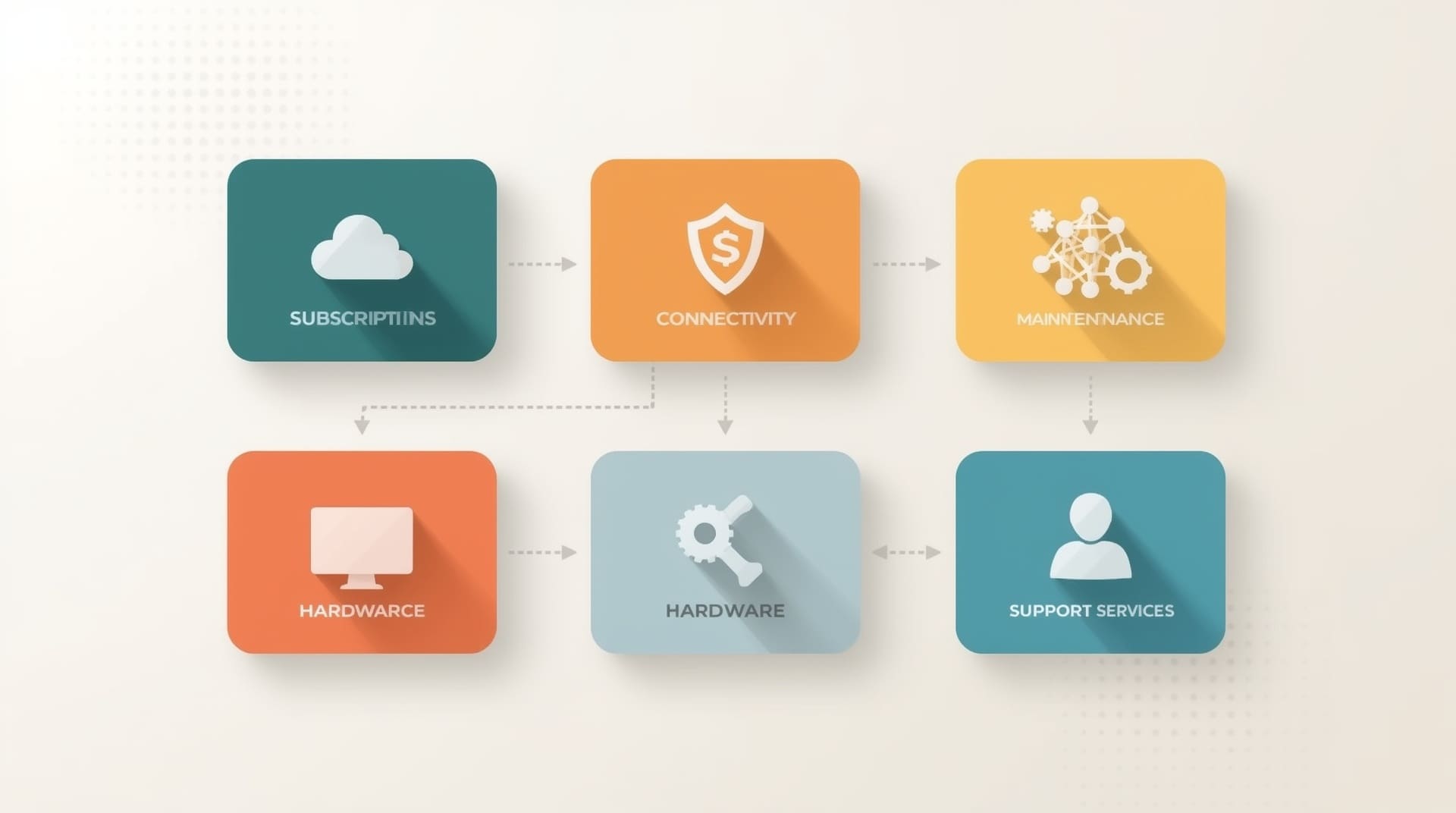
A reliable technology budget template breaks your spending into clear categories. This structure makes it easier to compare costs year over year and spot where money is being wasted.
| Category | What It Covers | Budget Priority |
|---|---|---|
| Hardware | Computers, servers, networking gear, peripherals | High |
| Software and Licensing | Business apps, productivity suites, subscriptions | High |
| Cybersecurity | Antivirus, firewalls, email filtering, training | Critical |
| Cloud Services | Hosted storage, SaaS platforms, cloud backups | Medium-High |
| IT Support and Managed Services | Help desk, monitoring, maintenance contracts | High |
| Backup and Disaster Recovery | Data backup systems, recovery planning | Critical |
| Telecommunications | Internet, phone systems, VoIP services | Medium |
Mapping your current spending to these categories is the first concrete step in building your budget. You may discover you are over-investing in hardware while spending almost nothing on cybersecurity.
How to Audit Your Current Annual IT Spend

Before you build a new budget, you need to know what you are spending right now. This is called an IT spend audit, and it gives you a baseline to work from. Pull together every invoice, subscription charge, and support contract from the past 12 months.
Once you have all the numbers in one place, sort them into the categories above. Look for three things: duplicate spending, underused tools, and gaps in coverage. Many small businesses find they are paying for multiple overlapping software tools that do the same job.
Your audit should also flag aging hardware. Equipment that is more than five years old is a liability. It fails more often, runs slower, and creates security risks that newer systems do not have.
Hidden IT Costs That Wreck Small Business Budgets
Even experienced business owners miss certain costs when planning their IT budget. These hidden expenses can throw off your annual IT spend significantly if you do not account for them upfront.
- Emergency repair and break-fix labor: Unplanned IT failures cost far more per hour than proactive maintenance contracts.
- Productivity loss during downtime: Every hour your systems are down, your team is not working. That lost labor is a real cost, even if it never appears on an invoice.
- License true-up fees: Software vendors sometimes audit your license usage and charge extra if you have exceeded your agreement.
- Cybersecurity incident response: A single data breach can generate legal fees, notification costs, and recovery expenses that dwarf your entire annual IT budget.
- Compliance penalties: If your industry has data regulations like HIPAA or PCI-DSS, non-compliance fines can be severe.
- Employee onboarding and offboarding: Setting up and removing user accounts, devices, and access permissions takes time and often costs money.
Building a contingency line into your budget, typically 10 to 15 percent of total IT spend, helps absorb these surprises without derailing your finances.
A Step-by-Step Framework for Building Your IT Budget
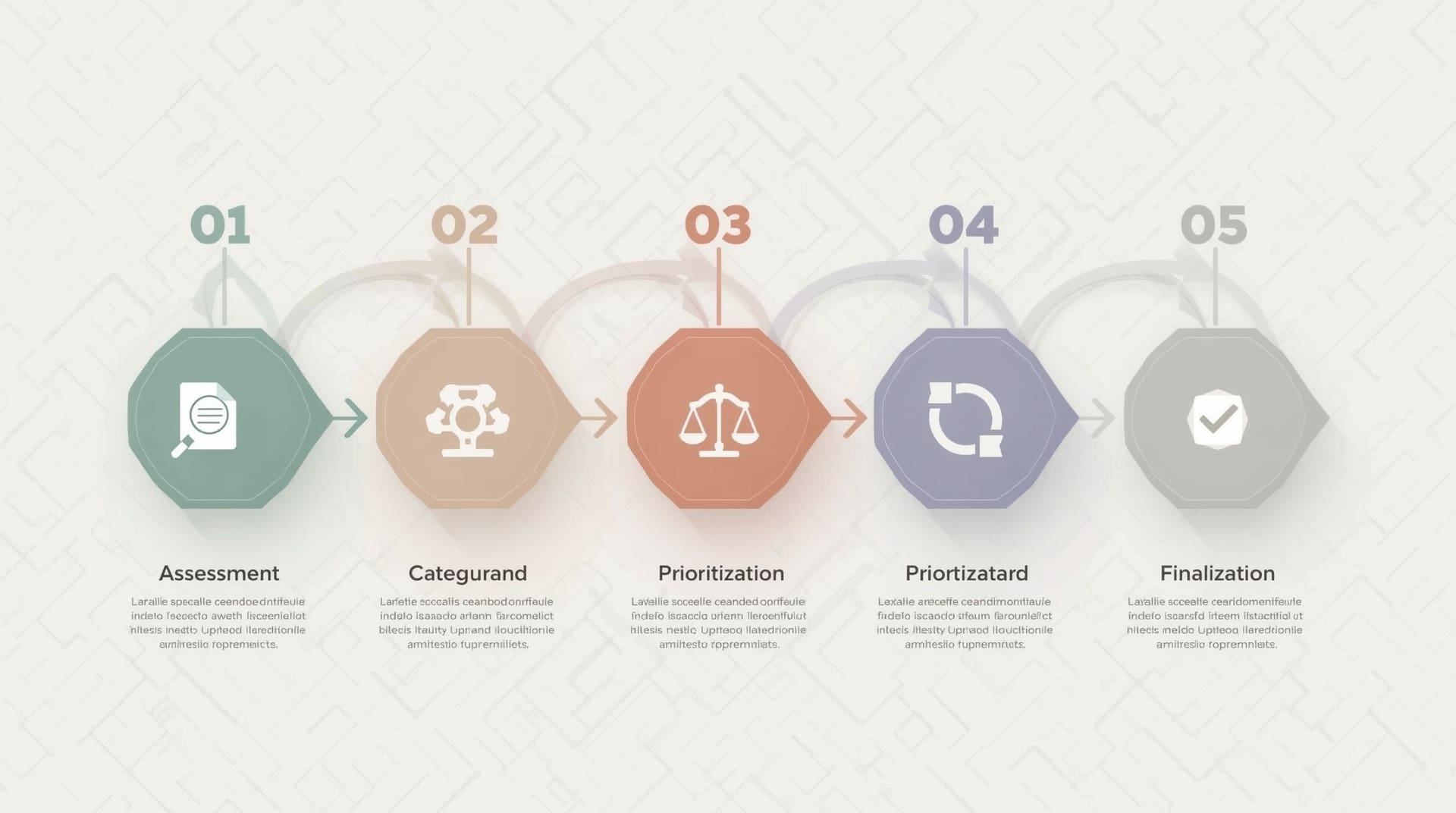
Building a solid IT budget does not require a finance degree. It requires a clear process and honest answers to a few key questions about your business. Follow these steps to build a budget you can actually use.
1. Define Your Business Goals for the Year
Your IT budget should support your business objectives, not exist in a vacuum. If you plan to hire five new employees, you need to budget for their equipment, software licenses, and onboarding support. If you plan to open a new location, network infrastructure costs must be included.
2. Inventory Your Existing Assets and Contracts
List every piece of hardware and software your business currently uses. Note the age of each hardware item and the renewal date for every software contract. This inventory becomes the foundation of your technology budget template.
3. Prioritize Spending by Risk and Impact
Not every IT expense carries the same weight. Rank each category by two factors: the risk of not spending on it and the business impact if that system fails. Cybersecurity and backup systems consistently sit at the top of this ranking for good reason.
4. Get Quotes and Vendor Estimates
Reach out to your current vendors and any new providers you are considering. Get written estimates for hardware refreshes, software renewals, and support contracts. Real numbers beat guesses every time.
5. Allocate and Review Monthly
Set your final budget numbers and assign them to each category. Then review actual spending against the budget every single month. Waiting until year-end to check makes it impossible to course-correct when things drift.
Why Cybersecurity Deserves Its Own Line in Every IT Budget
Cybersecurity is not optional for small businesses. Attackers specifically target smaller companies because they often have weaker defenses than large enterprises. The cost of a breach almost always exceeds the cost of prevention by a wide margin.
Your cybersecurity budget line should cover endpoint protection (software that guards individual computers and devices), email filtering, multi-factor authentication tools, and regular employee training. Each of these layers adds protection. Skipping any one of them creates an opening attackers will find.
If you are not sure where to start, a cybersecurity assessment from a qualified provider gives you a prioritized list of gaps to address. That assessment typically pays for itself by helping you spend your security dollars in the right places.
Managed IT Services as a Budget Strategy
Many small businesses in Raleigh and across the Triangle region choose managed IT services as a way to make their technology budget more predictable. A managed service provider, or MSP, charges a fixed monthly fee to handle monitoring, maintenance, help desk support, and often security as well.
Predictable monthly costs make planning your annual IT spend much easier. Instead of budgeting for unknown break-fix repair bills, you pay a consistent rate and receive proactive care that prevents many problems from occurring in the first place. This shift from reactive to proactive IT is one of the biggest financial benefits of the managed services model.
For a deeper look at how this model works, the guide on managed IT services for small business breaks down what to expect from a provider relationship.
Common IT Budget Mistakes Small Businesses Make
Knowing what to avoid is just as valuable as knowing what to do. These are the most common mistakes that leave small businesses either overspending or dangerously underprepared.
- Treating IT as a one-time cost: Technology requires ongoing investment. Hardware ages, software needs updates, and threats evolve constantly.
- Skipping the contingency fund: Budgets without a buffer get blown by the first unexpected failure.
- Ignoring backup and recovery: Data loss is not a matter of if but when. Backup systems must be funded, tested, and documented before a crisis hits.
- Underbudgeting for security: Treating security as an afterthought is one of the costliest mistakes a small business can make.
- Not involving department heads: The people who use your technology daily know its limitations better than anyone. Their input leads to more accurate budgets.
- Copying last year’s budget without review: Your business changes. Your IT budget should change with it, not just get a 3 percent inflation bump each year.
How to Benchmark Your Annual IT Spend Against Industry Norms
One common question is: how much should a small business spend on IT? The honest answer is that it depends on your industry, number of employees, and how heavily your business relies on technology. That said, general benchmarks can help you spot whether you are wildly over or under the typical range.
Small businesses in non-technical industries often spend between 4 and 6 percent of annual revenue on IT. Technology-dependent businesses, like financial services or healthcare, typically spend closer to 7 to 10 percent. These are rough guidelines, not rules. Your actual number should reflect your specific risk profile and growth plans.
If your current annual IT spend falls significantly below these ranges, it is worth asking why. Under-investment in technology often shows up as slow systems, frequent downtime, and security incidents that cost far more to fix than the original savings were worth.
Final Thoughts on IT Budget Planning for Small Business
IT budget planning for small business is a discipline that pays dividends every year you practice it. A structured technology budget template keeps spending aligned with your goals, prevents financial surprises, and ensures your team has reliable tools to do their work. The businesses that treat IT as a strategic investment consistently outperform those that treat it as an afterthought.
Start with an honest audit of your current annual IT spend, categorize what you find, and build from there. Review your budget monthly, keep a contingency reserve, and give cybersecurity and backup the priority they deserve. Your technology should be an asset that drives your business forward, not a source of constant stress and unexpected bills.
Frequently Asked Questions About IT Budget Planning for Small Business
What percentage of revenue should a small business spend on IT?
Most small businesses in non-technical industries spend between 4 and 6 percent of annual revenue on IT. Technology-heavy sectors like healthcare or finance often spend 7 to 10 percent. Your ideal number depends on how critical technology is to your daily operations and how much risk your business can absorb.
What should a basic technology budget template include?
A basic technology budget template should cover hardware, software and licensing, cybersecurity, cloud services, IT support, backup and recovery, and telecommunications. It should also include a contingency line of 10 to 15 percent for unexpected costs. Each category should list current spend, planned spend, and the business reason for any changes.
How often should a small business update its IT budget?
You should review your IT budget monthly to track actual spending against your plan. A full rebuild of the budget should happen once a year, ideally 60 to 90 days before your new fiscal year begins. Major business changes, like rapid hiring or a new location, warrant an off-cycle review as well.
Is managed IT services cost-effective for small businesses?
For most small businesses, managed IT services provide better value than hiring in-house staff or paying for break-fix repairs. You get a predictable monthly cost, proactive monitoring, and access to a full team of specialists. This model typically reduces downtime and prevents the large, unexpected repair bills that damage unplanned budgets.
What is the biggest risk of not having an IT budget?
The biggest risk is reactive spending. Without a budget, you have no plan for hardware failures, security incidents, or software renewals. This leads to rushed decisions, overpaying for emergency services, and gaps in protection that attackers can exploit. A budget gives you control before a crisis forces your hand.