

Every time a caller hangs up before someone answers, you lose a potential customer. Call queuing is the system that holds callers in a virtual line and routes them to the next available agent, so no call slips through the cracks. It sounds simple, but the right setup makes a real difference in how your business handles busy periods.
Whether you run a small office in Raleigh or manage a growing team across multiple locations, call queuing gives you control over the caller experience. This guide explains how it works, what features matter most, and how to put it in place without overcomplicating things.
Ready to learn more? Explore how AltaTech’s VoIP solutions in Raleigh can bring call queuing and other smart phone features to your business.
What Call Queuing Actually Means
Call queuing is a phone system feature that places incoming callers into an ordered waiting line when all agents are busy. Think of it like a digital waiting room. Callers hear hold music or a recorded message while the system waits for the next open agent.
Without a queue, a busy line either sends callers to voicemail or returns a busy signal. Both outcomes frustrate callers and cost you business. A queue keeps them engaged and in line until someone is ready to help.
The term “queue” comes from the concept of a first-in, first-out line. The caller who waits longest gets the next available agent. Most modern systems let you customize that logic, but the core idea stays the same.
How Call Queue VoIP Technology Powers Modern Phone Systems
Traditional phone systems handled queues with physical hardware that was expensive and hard to scale. Call queue VoIP technology moves that entire process into the cloud. VoIP stands for Voice over Internet Protocol, which means your phone calls travel over your internet connection instead of old copper phone lines.
With a VoIP-based queue, you manage everything from a web dashboard. You can add agents, change queue rules, and review call data without touching any hardware. That flexibility is a big reason why small businesses are moving away from legacy phone systems.
VoIP queues also connect easily with other business tools. Many platforms integrate with CRM software, helpdesk platforms, and scheduling apps so your team has caller context before they even say hello.
The Core Components of a Call Queue
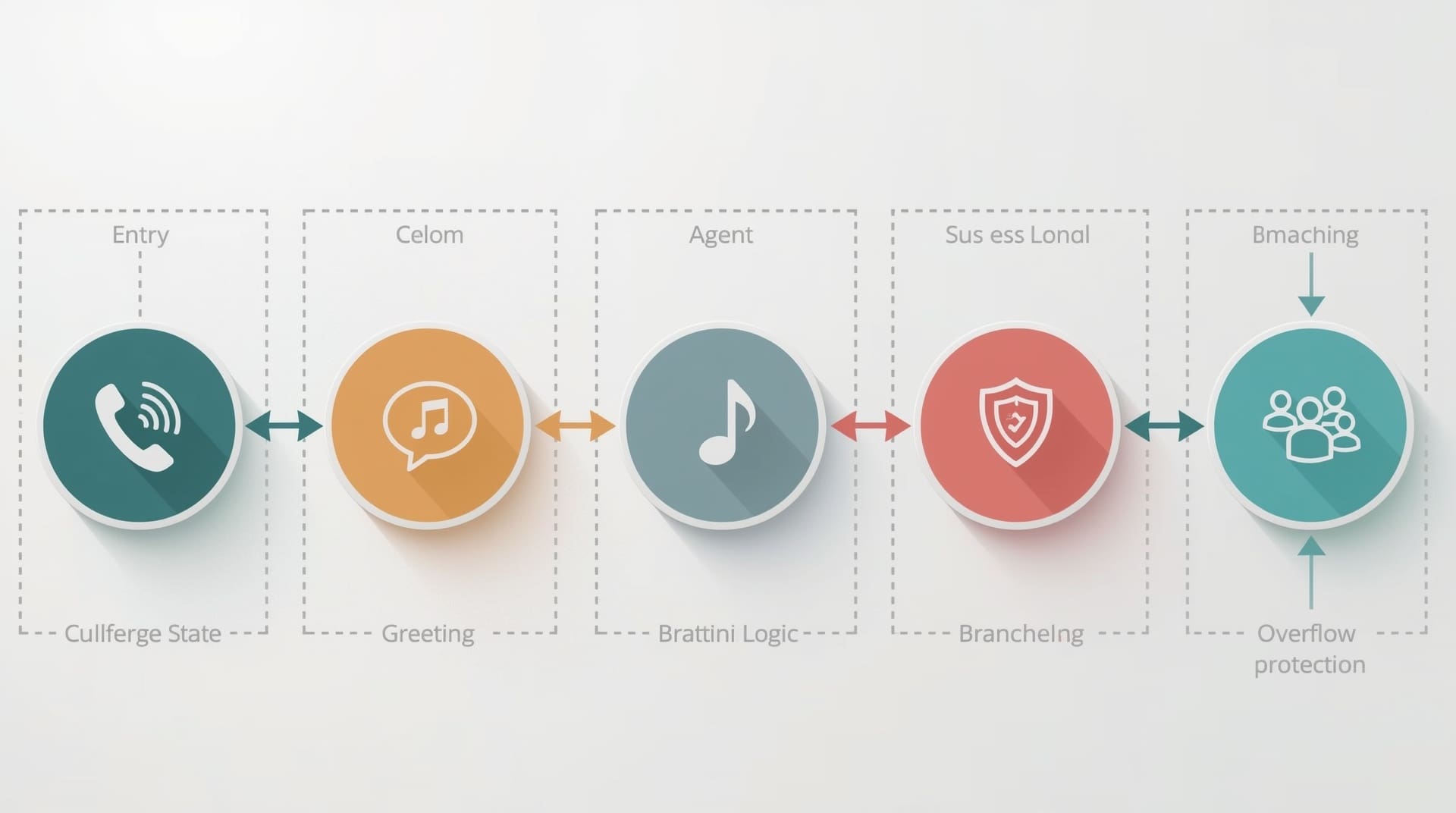
A call queue is made up of several working parts. Understanding each one helps you configure the system in a way that fits your team.
1. Queue Entry Point
This is the phone number or extension callers dial to reach the queue. You can have multiple entry points for different departments, such as sales, billing, or support.
2. Greeting and Hold Message
When callers enter the queue, they hear an initial greeting. This message can tell them their position in line, an estimated wait time, or business hours. A clear greeting reduces frustration and sets expectations.
3. Hold Music or Messaging
Silence on hold feels like a dead line. Hold music or informational messages keep callers engaged. Many businesses use this time to share promotions, office hours, or helpful tips.
4. Agent Pool
The agent pool is the group of people who receive calls from the queue. Agents can be assigned to one or more queues, and managers can adjust capacity in real time.
5. Routing Logic
Routing logic decides which agent gets the next call. Common methods include round-robin (rotating through agents evenly), skills-based routing (matching callers to the most qualified agent), and least-recent (sending the call to whoever has been idle longest).
6. Overflow Rules
If wait times get too long or your queue fills up, overflow rules kick in. You can redirect callers to voicemail, another queue, or a different phone number so no one hits a dead end.
| Component | What It Does | Why It Matters |
|---|---|---|
| Queue Entry Point | Captures incoming calls | Directs traffic to the right team |
| Greeting Message | Sets caller expectations | Reduces hangups during peak hours |
| Hold Music | Keeps callers on the line | Improves perceived wait time |
| Routing Logic | Assigns calls to agents | Balances workload across the team |
| Overflow Rules | Handles queue overflow | Prevents dead ends for callers |
Key Benefits of Using Call Queuing for Your Business
A properly configured call queue does more than just hold callers. It shapes the entire experience a customer has when they reach out to you.
Fewer Lost Leads
When you hold callers in an organized line, they stay on the line longer. A caller who knows they are third in queue is more likely to wait than a caller who hears endless ringing with no feedback. Fewer hangups means more conversations and more opportunities to close business.
Better Agent Efficiency
Routing logic keeps your team from doubling up on the same calls or leaving some agents idle while others are overwhelmed. Round-robin routing, for example, spreads the load evenly so no one burns out during a rush.
A More Professional Image
A well-designed queue signals that your business is organized and prepared. Callers hear polished messages instead of rushed greetings. That first impression matters, especially for new customers who are still deciding whether to trust you.
Real-Time Visibility
Most VoIP queue systems come with a supervisor dashboard. You can see how many callers are waiting, how long they have been on hold, and which agents are available. That visibility lets you respond quickly when things get busy.
Call Queuing vs. Hunt Groups: Understanding the Difference
These two features often get confused because they both route calls to available agents. The difference is in how they work and what problem they solve.
A hunt group tries a list of numbers one at a time or all at once until someone answers. If no one picks up, the call moves on. Hunt groups in VoIP are great for small teams where you want a call to ring a few phones before going to voicemail.
A call queue holds the caller in a waiting line until an agent is free. It is designed for higher call volumes where multiple callers might be waiting at the same time. If your business regularly gets bursts of calls, a queue handles that better than a hunt group alone.
Many businesses use both. A hunt group can be the first attempt, and if no one answers within a set number of rings, the call drops into a queue. That combination covers both low-traffic and high-traffic scenarios without leaving anyone stranded.
How to Hold Callers Without Losing Them

The phrase “hold callers” used to mean putting someone on silent hold and hoping they stayed. Modern queuing gives you real tools to keep people engaged during the wait.
Communicate Wait Time Early
Tell callers their position in line as soon as they enter the queue. Something like “You are caller number two” gives them a concrete expectation. Callers who know the wait length are more patient than those left guessing.
Offer a Callback Option
A callback feature lets callers press a key to hang up and receive a return call when an agent is free. They keep their place in the queue without staying on the line. This feature dramatically reduces abandonment rates for longer waits.
Use Relevant Hold Messaging
Blank silence or generic music frustrates callers. Use hold time to share something useful: your website address, current promotions, or answers to common questions. A caller who learns something while waiting feels less like they are wasting time.
Set Maximum Wait Time Limits
No one should wait forever. Set a hard limit on queue wait time and configure an overflow action when that limit hits. Send the caller to voicemail with a callback promise, or route them to an after-hours line. Give them a clear next step instead of a dead signal.
Common Mistakes Businesses Make with Call Queuing
Setting up a queue incorrectly can make things worse than having no queue at all. These are the errors to avoid.
No Queue Greeting at All
Silence after dialing a number makes callers think the call did not connect. Always start with a brief greeting that confirms the caller reached the right place and tells them what to expect.
Too Many Layers Before a Live Agent
Long automated menus before the queue frustrate callers before they even get in line. Keep pre-queue menus short. Two or three options maximum before reaching a person is a good rule of thumb.
Understaffing the Queue
Technology only goes so far. If you have one agent handling a queue that regularly sees ten simultaneous callers, wait times will spike no matter how well the system is configured. Review your call volume data and staff the queue accordingly.
Never Reviewing Queue Analytics
Your VoIP dashboard logs everything: average wait time, abandonment rate, calls answered, and more. Ignoring that data means you miss patterns. If abandonment spikes every Monday morning, that is a staffing gap you can fix.
Setting Up Call Queuing Through Your VoIP System
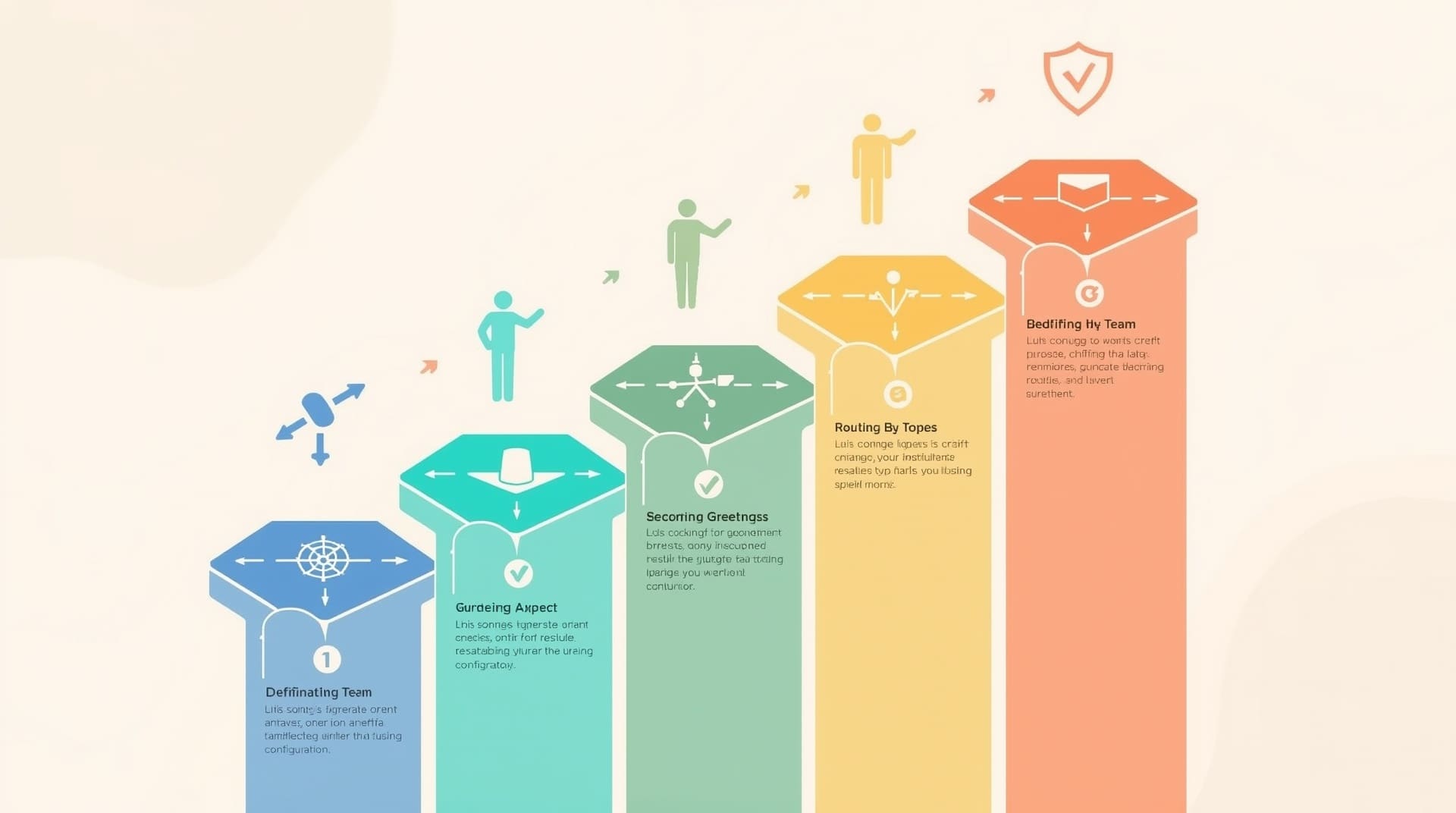
Getting a queue live does not require an IT specialist on-site for days. Most cloud-based VoIP platforms let you configure queues through a web interface in a matter of hours.
Step 1: Define Your Queue Purpose
Decide what the queue is for before you build it. A sales queue and a support queue should have different routing rules, greetings, and agent pools. Mixing them into one queue creates confusion for both callers and agents.
Step 2: Build Your Agent List
Add the employees who will answer calls in this queue. Assign skill levels if your platform supports skills-based routing. Make sure each agent has a working VoIP extension and knows they are part of the queue.
Step 3: Record or Upload Greetings
Write a short, clear greeting script before you record it. Include the department name, a brief wait-time note, and any key instructions. Keep it under thirty seconds. Long greetings frustrate callers who have already heard them before.
Step 4: Configure Routing and Overflow Rules
Choose your routing logic based on your team structure. Set a maximum queue size and a maximum wait time. Link overflow rules to a voicemail box or backup number so no call ends without an option.
Step 5: Test Before Going Live
Call into the queue yourself and walk through the full experience. Verify the greeting plays correctly, the hold music works, and calls route to the right agents. Fix any issues before customers experience them.
What to Look For in a VoIP Provider for Call Queuing
Not all VoIP platforms handle queuing the same way. These are the features worth prioritizing when comparing providers.
- Real-time supervisor dashboard: You need live visibility into queue depth, agent status, and wait times.
- Callback functionality: This single feature can cut abandonment rates significantly during peak periods.
- Custom hold audio: Look for the ability to upload your own music or recorded messages.
- Skills-based routing: Useful if your team has agents with different specializations or language capabilities.
- Analytics and call reporting: Detailed logs help you make staffing and process improvements over time.
- CRM integration: Connecting your queue to a CRM lets agents see caller history before answering.
- Scalability: Make sure the platform can add agents and queues as your team grows, without requiring new hardware.
A managed IT provider familiar with VoIP systems can help you evaluate platforms, configure queues, and maintain the system over time. For businesses in the Raleigh area, having local support means faster response if something breaks during a busy call period.
Final Thoughts on Call Queuing
Call queuing is one of the most straightforward ways to stop losing leads on hold. It keeps callers in an organized line, gives them honest feedback about their wait, and routes them to the right person when one is available. The technology is accessible, especially through modern VoIP platforms that require no physical hardware to deploy.
The businesses that get the most out of call queuing are the ones that treat it as an ongoing system, not a one-time setup. Review your analytics regularly, adjust staffing during peak times, and update your hold messaging as your business changes. A well-maintained queue is a quiet but powerful part of your customer experience strategy.
Frequently Asked Questions About Call Queuing
What is the difference between a call queue and a call center?
A call queue is a feature inside a phone system that holds and routes calls. A call center is a dedicated operation built around handling high volumes of calls, often using multiple queues. A small business can use call queuing without having a full call center setup.
How many callers can a queue hold at once?
That depends on your VoIP platform and the plan you choose. Most business-grade platforms allow anywhere from ten to hundreds of simultaneous callers in a queue. Check your provider’s documentation for the exact limit on your plan.
Can a small business benefit from call queuing?
Absolutely. Even a team of three to five people can benefit from a queue during busy periods. It prevents callers from hitting a busy signal and gives your team a structured way to work through incoming calls without missing anyone.
Does call queuing work with remote or hybrid teams?
Yes. Cloud-based call queue VoIP systems route calls to agents wherever they are located, as long as they have an internet connection. Remote agents log into the queue using a softphone app or a VoIP handset, just like they would in an office.
How do I know if my queue is performing well?
Track three core metrics: average wait time, call abandonment rate, and first-call resolution rate. If wait times are rising or abandonment is high, you likely need more agents during those hours. Your VoIP dashboard should give you access to all three metrics.