

Hunt groups are one of the most practical features in any VoIP phone system. They let incoming calls ring multiple team members at once, or one after another, until someone picks up. The result is fewer missed calls and a better experience for anyone trying to reach your business.
If you run a small or mid-sized business and rely on your phones to bring in revenue, understanding hunt groups is worth your time. This guide covers how they work, the different routing options available, common setup mistakes, and how to decide which configuration fits your team.
Ready to learn more? Explore how Alta Tech can set up a fully configured VoIP solution in Raleigh that keeps your calls routing smoothly from day one.
What Hunt Groups Actually Are
A hunt group is a feature in call routing VoIP systems that links a set of phone extensions together under one inbound number. When a caller dials that number, the system “hunts” through the group of extensions until it finds one that answers. The term comes from traditional PBX phone systems, but the concept carries directly into modern VoIP platforms.
Think of it as an automatic dispatcher. Instead of a caller hearing a busy signal or going straight to voicemail, the system keeps trying available agents until the call is answered. This makes hunt groups especially useful for sales teams, support desks, and any department that handles high call volume.
How Call Routing VoIP Systems Use Hunt Groups
In a VoIP environment, hunt groups work by defining a list of extensions and assigning a ring strategy to that list. The VoIP platform handles all the logic in software, which means you can change the setup through a web portal without touching any physical hardware. That flexibility is one of the biggest advantages VoIP has over older phone systems.
When an inbound call arrives, the system checks which extensions are active and available. It then applies the ring strategy you chose and begins working through the group. If no one answers within a set timeout, the call can roll over to voicemail, an auto-attendant, or another group entirely.
The Four Main Ring Strategies Explained
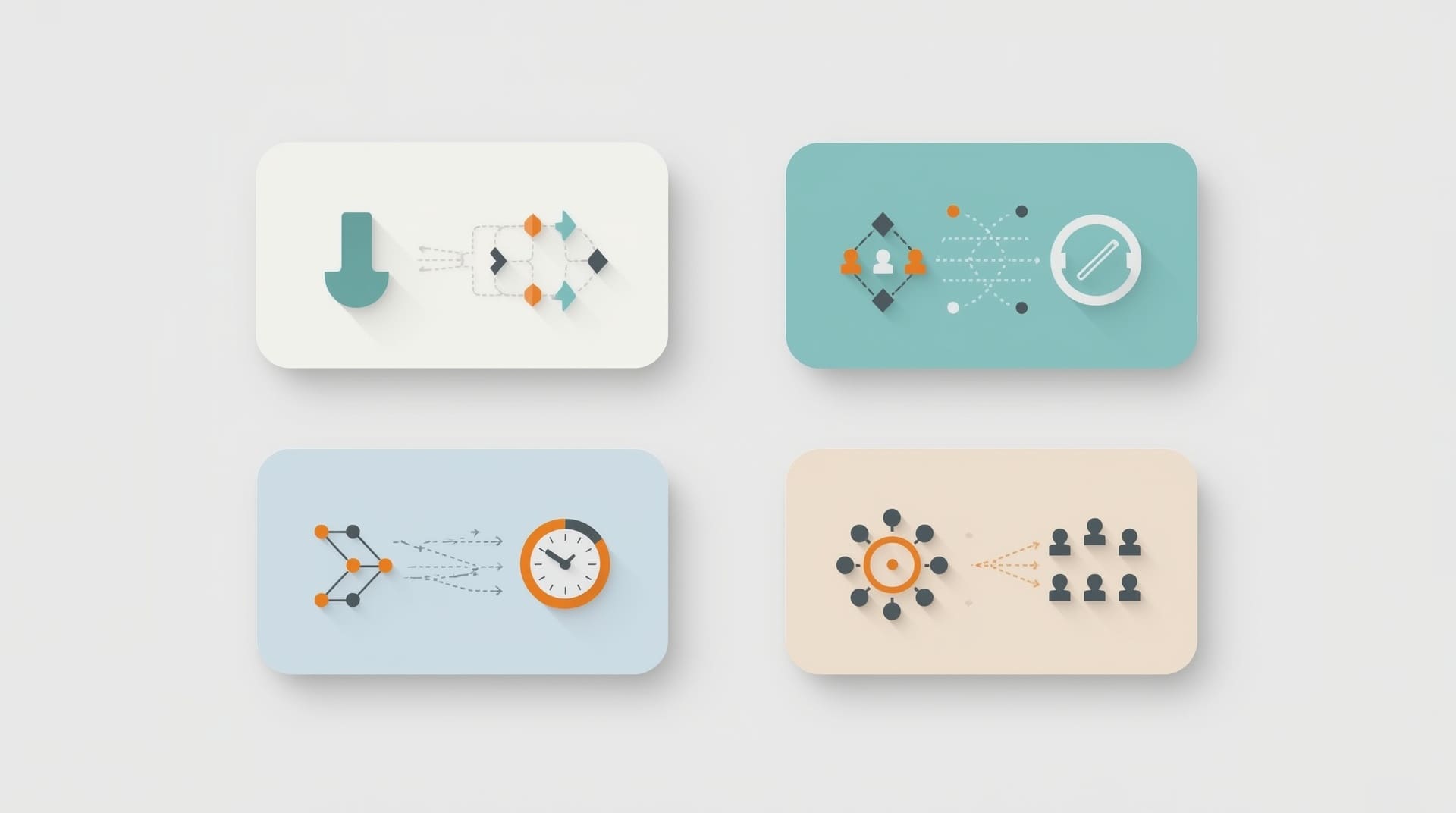
Choosing the right ring strategy is the most important decision when setting up a hunt group. Each strategy fits a different type of team and workload. Here is a breakdown of the four most common options.
1. Sequential (Linear) Ringing
Sequential ringing, also called linear ringing, calls extensions one at a time in a fixed order. Extension 101 rings first. If no answer, extension 102 rings next, and so on. This works well when you have a clear priority order, such as a lead agent who should always get first shot at incoming calls.
2. Simultaneous (Ring All) Ringing
With simultaneous ringing, every extension in the group rings at the same time. The first person to pick up takes the call. This is the fastest way to answer, which makes it popular for urgent support lines. The tradeoff is that multiple team members get interrupted for every single call.
3. Round-Robin Ringing
Round-robin ringing distributes calls evenly across the group. After each call, the system moves to the next agent in the rotation so that no single person gets buried while others sit idle. This is the preferred strategy for call center environments and customer service teams that need balanced workloads.
4. Least-Used (Most-Idle) Ringing
Least-used ringing sends the next call to whoever has been idle the longest. The system tracks agent activity and routes accordingly. This strategy is more sophisticated than round-robin and works best in environments where call durations vary widely from agent to agent.
Ring Groups vs. Hunt Groups: Clearing Up the Confusion
The terms ring groups and hunt groups are often used interchangeably, and for most small businesses the difference is minimal. Both describe a set of extensions that share an inbound call queue. The distinction usually comes down to how your specific VoIP platform labels the feature.
Some platforms use “ring group” to refer specifically to simultaneous ringing, while “hunt group” describes sequential or round-robin strategies. Other platforms use the terms as pure synonyms. Check your provider’s documentation to see how they define each one. Either way, the core idea is the same: route a call through a pool of agents until someone answers.
Key Benefits of Hunt Groups for Your Business
Hunt groups deliver real, measurable improvements to how your business handles calls. Here are the most significant benefits you should expect after a proper setup.
- Fewer missed calls: The system keeps trying until someone answers, so callers rarely hit a dead end.
- Balanced agent workload: Round-robin and least-used strategies prevent one person from being overwhelmed while others are free.
- Faster answer times: Simultaneous ringing connects callers to the first available agent in seconds.
- Flexible failover: Unanswered calls can roll to voicemail, another group, or an auto-attendant automatically.
- No extra hardware needed: Changes happen in software, so you never have to rewire anything.
Common Hunt Group Configuration Mistakes to Avoid
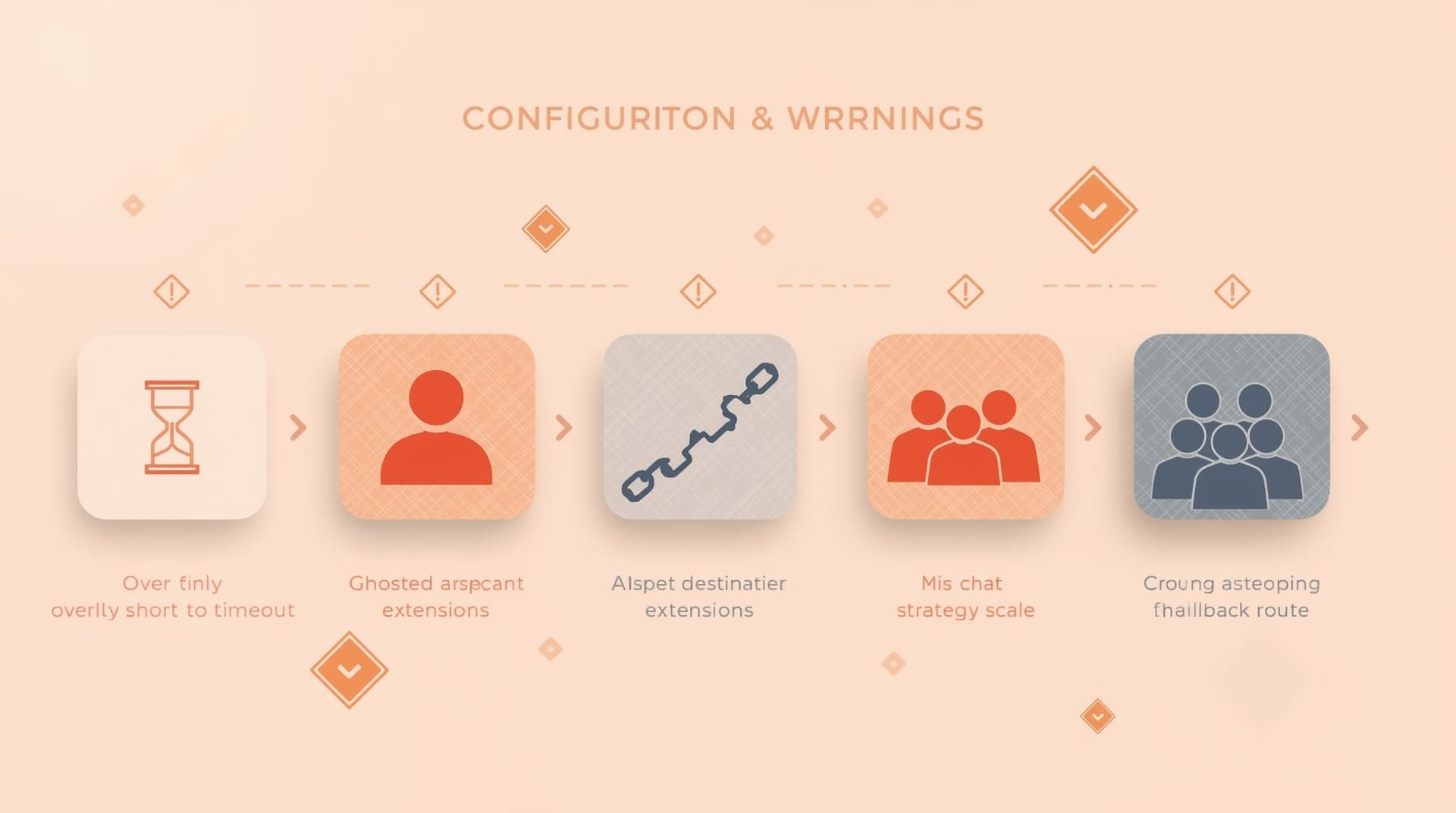
A poorly configured hunt group can frustrate callers just as much as having no system at all. These are the mistakes businesses make most often.
Setting the Timeout Too Short
A timeout tells the system how many seconds to ring each extension before moving on. If you set it too short, agents never have a real chance to answer. A timeout between 15 and 25 seconds per extension is a reasonable starting point for most teams.
Including Unavailable Extensions
If an agent is on vacation or working a different shift, their extension should be removed from the active group. Leaving unavailable extensions in the hunt group wastes ring time and slows down every caller in the queue.
Skipping a Fallback Destination
Every hunt group needs a fallback: a place the call goes if nobody answers. Without one, the caller may simply hear silence or get disconnected. Map every group to a voicemail box, a secondary group, or an after-hours message as a minimum safeguard.
Using the Wrong Strategy for Your Team Size
Simultaneous ringing works fine for two or three people. On a team of twelve, it becomes disruptive. Match the strategy to your headcount and call volume. Review the setup quarterly as your team grows or changes.
How Hunt Groups Fit Into a Broader Call Routing Strategy
Hunt groups rarely work alone. In a well-designed call routing VoIP setup, they are one layer in a larger call flow. A typical flow looks like this: an auto-attendant greets the caller and presents menu options, the caller selects a department, the call enters the appropriate hunt group, and a failover rule catches anything that goes unanswered.
You can also stack hunt groups. For example, a primary group might cover your Raleigh office staff during business hours. A secondary group could cover remote agents after 5 PM. The VoIP platform chains these groups together based on schedules and availability rules, all without any manual intervention.
| Ring Strategy | How It Works | Best For |
|---|---|---|
| Sequential | Rings one extension at a time in fixed order | Teams with a clear priority agent |
| Simultaneous | Rings all extensions at once | Small teams needing fast answer times |
| Round-Robin | Rotates calls evenly through the group | Customer service teams and call centers |
| Least-Used | Routes to the longest-idle agent | Teams with variable call durations |
Setting Up Hunt Groups: A Practical Step-by-Step Overview

The exact steps vary by platform, but the general process is consistent across most VoIP providers. Following this sequence will keep your setup clean and avoid common errors.
- List your extensions: Identify every agent or device that should be part of the group. Confirm each extension is active and registered on the VoIP platform.
- Choose your ring strategy: Review the options in the section above and match the strategy to your team size and call volume.
- Set ring timeout values: Assign a per-extension timeout. A value between 15 and 25 seconds is standard for most businesses.
- Define a fallback destination: Choose where unanswered calls go. Options typically include voicemail, another hunt group, or an auto-attendant menu.
- Test thoroughly before going live: Call the group from an external number and verify that each extension rings in the expected order. Test the fallback by letting all extensions time out.
- Document the configuration: Write down the group members, strategy, timeouts, and fallback destination. This makes future changes much easier to manage.
Hunt Groups and VoIP Phone Systems for Small Business
Hunt groups are a core feature in most modern VoIP phone systems for small business deployments. They remove the need for a dedicated receptionist to manually transfer every call. A small team of three to five people can look and operate like a much larger organization simply by having calls routed intelligently.
If you are evaluating VoIP platforms, confirm that hunt groups are included in the base package and not locked behind a premium tier. Most reputable cloud VoIP providers include them by default. Also check whether the platform allows you to manage groups from a mobile app, since remote teams need that flexibility.
When to Revisit and Update Your Hunt Group Settings
A hunt group setup is not a one-time task. Your team changes, your call volume shifts, and your business hours evolve. Review your hunt groups in these situations:
- A team member joins, leaves, or changes roles
- You notice a spike in missed calls or caller complaints
- Your business hours expand or contract
- You add a new department or product line that needs its own inbound number
- You switch to a hybrid or remote work model
A quick quarterly audit of your hunt group configurations takes less than 30 minutes and can prevent weeks of missed opportunities. Treat it the same way you would treat any other recurring IT maintenance task.
Final Thoughts on Hunt Groups
Hunt groups are a straightforward feature with a significant impact on how your business handles inbound communication. The right ring strategy, combined with sensible timeout values and a solid fallback rule, means callers almost never reach a dead end. That reliability builds trust and protects revenue.
If your current phone system does not offer hunt groups or makes them difficult to configure, it may be time to look at a modern VoIP platform. A properly set up system handles the routing automatically so your team can focus on the conversation, not the technology behind it.
Frequently Asked Questions About Hunt Groups
What is the difference between a hunt group and a call queue?
A hunt group rings available extensions immediately and moves on if no one answers. A call queue places callers on hold and keeps them waiting until an agent becomes free. Hunt groups are better for small teams. Call queues are better when wait time is acceptable and agent availability fluctuates throughout the day.
Can a single extension belong to more than one hunt group?
Yes. Most VoIP platforms allow an extension to be a member of multiple hunt groups simultaneously. This is useful for agents who cover more than one department. Be careful not to overload a single agent by placing them in too many high-volume groups at once.
What happens if nobody in the hunt group answers?
The call follows whatever fallback destination you defined during setup. Common options include a voicemail box, an auto-attendant menu, or a secondary hunt group. If no fallback is configured, the caller may be disconnected, so always set one up before going live.
Do hunt groups work with mobile phones?
Yes, as long as your VoIP platform supports mobile extensions or softphone apps. You can add a mobile softphone as an extension in the hunt group just like any desk phone. This is especially useful for remote employees or staff who are frequently away from their desks.
How many extensions can a single hunt group hold?
The limit depends on your VoIP provider and pricing plan. Most platforms support anywhere from a handful of extensions up to several dozen within a single group. For very large teams, it is usually more effective to create multiple smaller groups organized by role or department rather than one massive group.