

A business phone cloud is a phone system that runs over the internet instead of traditional copper phone lines. Rather than plugging into a wall jack, your calls travel through your internet connection to servers hosted in the cloud. This makes it easy to add lines, move offices, or let employees work from anywhere without rewiring anything.
If you are evaluating a cloud phone setup for your company, you need to understand what the technology involves, what it costs, and what can go wrong. This guide covers everything a small or mid-size business owner needs to make a confident decision about switching to a cloud-based business phone system.
Ready to learn more? Explore how Alta Tech delivers reliable VoIP solutions in Raleigh for businesses that need a scalable, managed phone system.
What a Business Phone Cloud Actually Is
A business phone cloud, also called a hosted VoIP system, replaces physical phone hardware and on-site equipment with software running on remote servers. VoIP stands for Voice over Internet Protocol. It is the technology that converts your voice into digital data packets and sends them across the internet.
With a traditional system, every phone line connects to a physical box called a PBX, which stands for Private Branch Exchange. A cloud-based system moves that box off your premises and into a data center managed by your provider. You pay a monthly subscription instead of buying hardware and maintaining it yourself.
Your team can use desk phones, computers, or smartphones to make and receive calls. The number follows the user, not the desk, which changes how your team communicates at a fundamental level.
Core Components of a Cloud Phone Setup
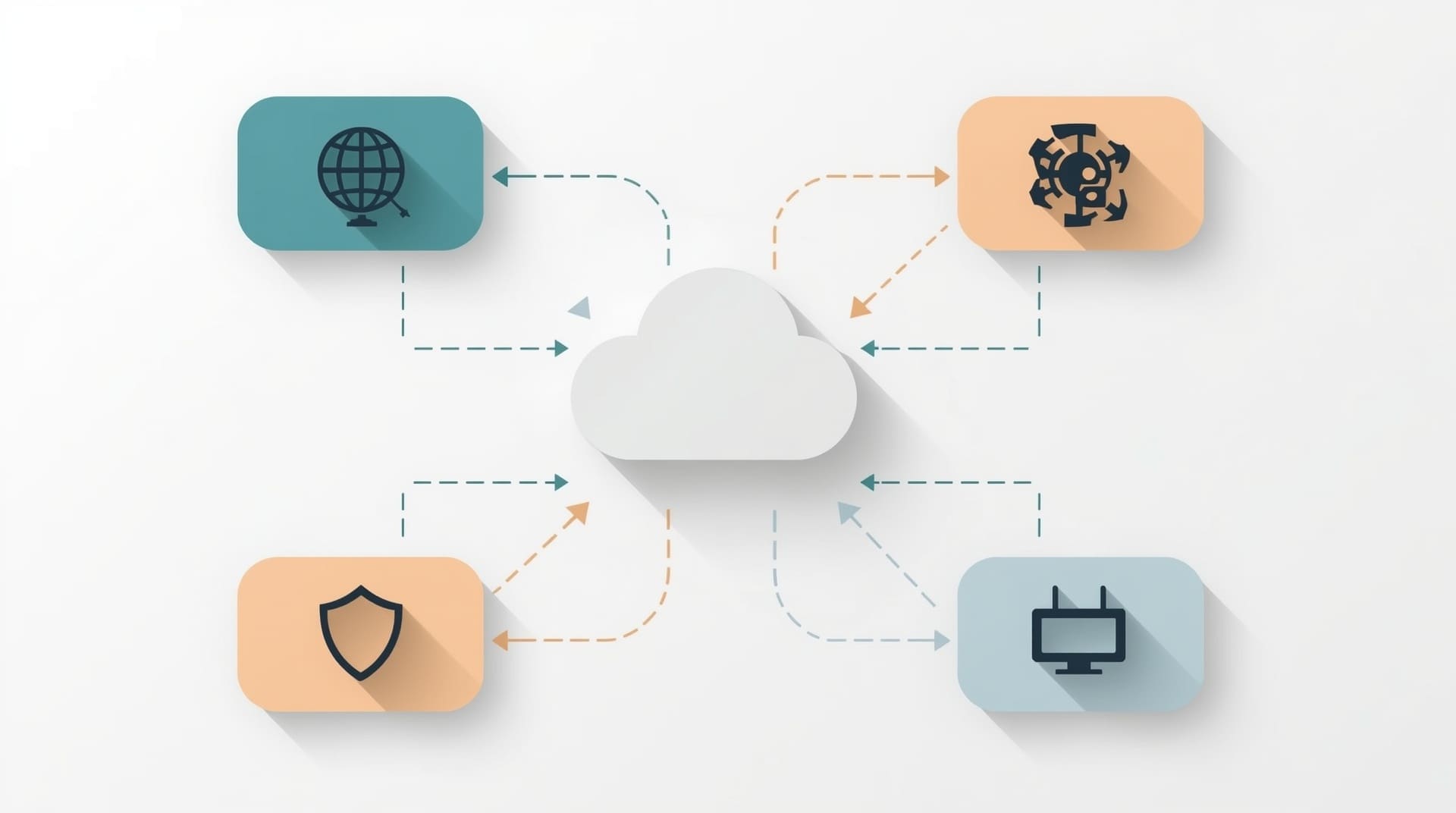
Understanding the parts of a cloud phone setup helps you ask the right questions before you commit to a provider. Every cloud phone system has a few essential building blocks.
- Internet connection: Your calls depend on your broadband or fiber connection. A slow or unstable connection causes dropped calls and poor audio quality.
- IP phones or softphones: IP phones look like desk phones but connect via ethernet. Softphones are apps on a computer or mobile device that do the same job without any hardware.
- Cloud PBX platform: This is the software hosted by your provider. It handles call routing, voicemail, auto-attendants, and extensions.
- Session Border Controller (SBC): An SBC is a security device that sits at the edge of your network and protects voice traffic from attacks and fraud.
- Network switch and router: Your local network hardware needs to support Quality of Service (QoS) settings, which prioritize voice traffic over other data on the same connection.
Most small businesses in the Raleigh area already have the internet connection and basic network gear they need. The provider supplies the cloud platform, and you decide whether to use physical phones or apps.
Key Benefits of Switching to a Business Phone System in the Cloud
The main reason businesses switch is cost. Traditional phone systems require upfront hardware purchases, on-site technicians for every change, and separate maintenance contracts. A cloud business phone system eliminates most of that overhead.
Lower Total Cost of Ownership
You pay a flat monthly fee per user. There is no equipment to buy beyond phones if you choose them. Adds, moves, and changes happen through an online portal, so you are not paying a technician to reconfigure a physical box every time someone changes desks.
Flexibility for Remote and Hybrid Teams
Your employees can take calls from home, from a client site, or from an airport using the same business number. The system routes calls to wherever the user is logged in. This is especially useful for businesses with staff spread across multiple locations or those who work outside a traditional office.
Scalability Without Infrastructure
Adding a new user takes minutes through your provider’s admin portal. You do not need new wiring or hardware installations. If your team grows from 10 to 50 people, your phone system scales with you without a major project.
Built-In Redundancy
Reputable cloud providers run their platforms across multiple data centers. If one location has an outage, your calls automatically reroute to another. This level of redundancy would cost a small business a significant sum to replicate on-premises.
Essential Features Your Business Phone Cloud Should Include
Not all cloud phone platforms offer the same feature set. Before you sign a contract, confirm that the system includes everything your team needs to operate professionally.
| Feature | What It Does | Why It Matters |
|---|---|---|
| Auto-Attendant | Greets callers and routes them to the right extension | Presents a professional image without a receptionist |
| Voicemail to Email | Sends voicemail recordings as email attachments | Keeps messages accessible from any device |
| Call Recording | Stores recordings of inbound and outbound calls | Supports training, compliance, and dispute resolution |
| Hunt Groups / Ring Groups | Rings multiple users at once or in sequence | Reduces missed calls and improves response time |
| Mobile App | Extends desk phone features to smartphones | Keeps remote staff connected on their business number |
| CRM Integration | Links call data with customer records | Improves sales and support workflows |
Confirm that the provider offers the features your workflows depend on, not just a long list of options that sound impressive on a sales sheet.
How a Cloud Phone Setup Works Step by Step
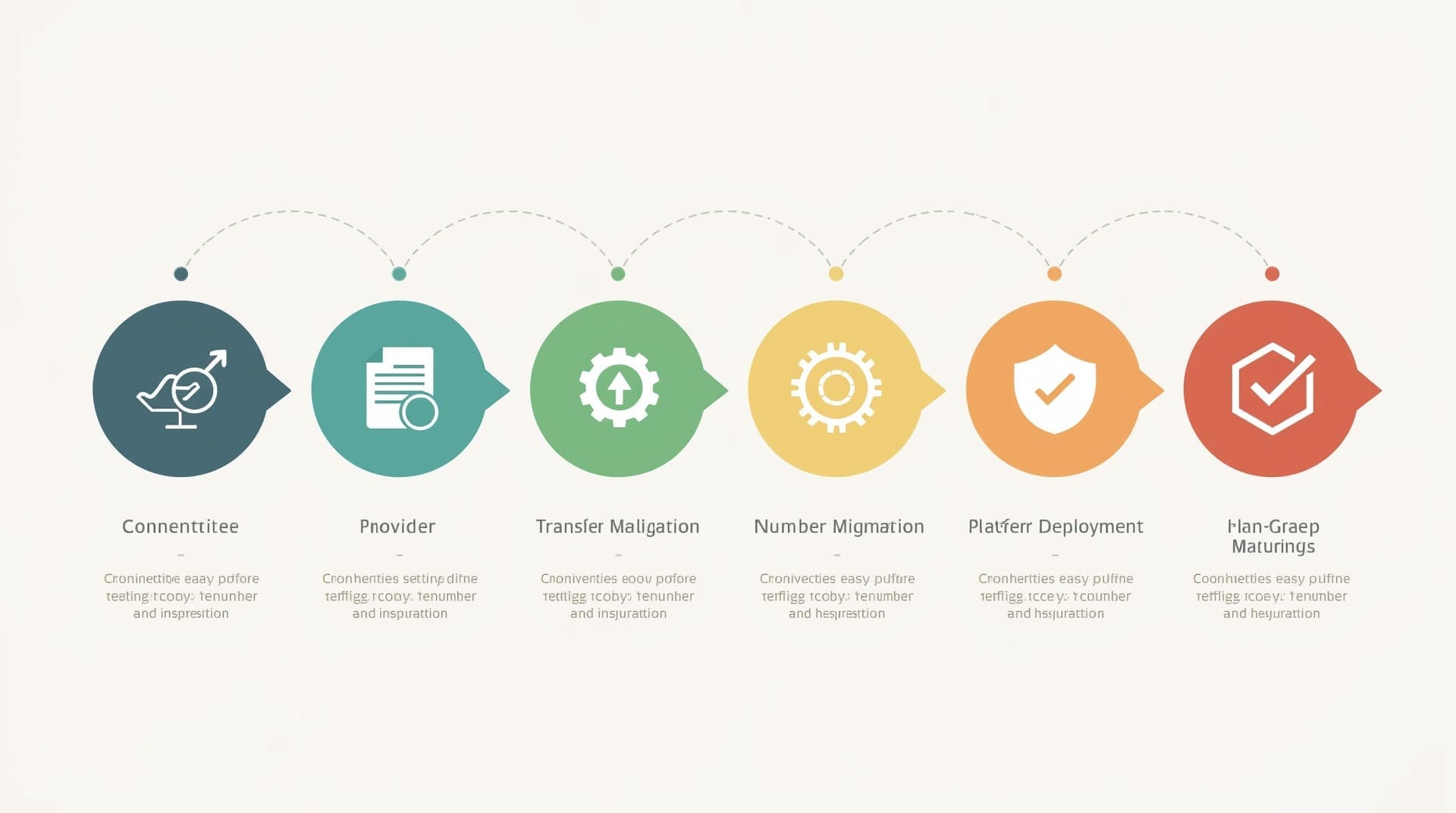
The setup process for a cloud phone setup is more straightforward than most businesses expect. Here is a general overview of how it unfolds from start to finish.
1. Assess Your Current Network
Before anything else, you need to know whether your internet connection can handle voice traffic. A managed IT provider can run a network assessment to measure bandwidth, latency, and packet loss. Your connection needs low latency, ideally under 150 milliseconds, for calls to sound clear.
2. Choose a Provider and Plan
Compare providers based on uptime guarantees, feature sets, pricing per user, and contract flexibility. Look for a provider who offers a Service Level Agreement (SLA) with a guaranteed uptime of 99.9 percent or better.
3. Port Your Existing Numbers
Number porting is the process of moving your current phone numbers to the new provider. This typically takes 2 to 4 weeks. Plan your cutover date carefully so you do not lose incoming calls during the transition.
4. Configure the Platform
Set up your extensions, auto-attendant menus, ring groups, and voicemail. Your provider or IT partner can handle this configuration. Many platforms have web-based admin portals that make adjustments straightforward once the initial setup is done.
5. Deploy Phones or Softphones
Distribute IP phones to users or install the provider’s softphone app on computers and mobile devices. Train your team on basic features like transfers, holds, and voicemail retrieval before go-live day.
6. Test Before Going Live
Make test calls internally and to external numbers. Check audio quality from different locations. Confirm that auto-attendants route correctly and that emergency 911 service is properly configured, since cloud systems handle 911 differently than traditional lines.
What a Business Phone Cloud Costs
Pricing for a cloud-based business phone system varies by provider and plan tier. Most providers charge between $20 and $50 per user per month for a fully featured plan. Entry-level plans may start lower but often limit call recording, integrations, or the number of included minutes.
Hardware adds to your upfront cost if you choose physical desk phones. A basic IP desk phone runs between $60 and $150. Higher-end models with touchscreens and video conferencing capabilities cost more. You can reduce hardware costs by using softphone apps on existing computers and smartphones instead.
Factor in your internet service cost as well. If your current connection is not reliable enough to support voice traffic, upgrading to a higher-tier plan or adding a redundant connection adds to your total investment. Most businesses find that cloud phone costs are still well below what they spent maintaining a traditional on-site PBX.
Security Considerations for Your Business Phone System

A cloud-based business phone system carries security risks that a traditional phone line does not. Because calls travel over the internet, they are exposed to the same threats as your other network traffic.
Common VoIP Security Threats
- Toll fraud: Attackers gain unauthorized access to your phone system and make expensive international calls billed to your account.
- Eavesdropping: Unencrypted calls can be intercepted on an unsecured network.
- Denial-of-service attacks: Attackers flood your system with traffic to take your phones offline.
- Vishing: Voice phishing calls that impersonate trusted people or organizations to extract sensitive information.
How to Protect Your Cloud Phone System
Start with strong, unique passwords for every user account on the platform. Enable multi-factor authentication wherever the provider supports it. Use a Session Border Controller to filter malicious traffic before it reaches your phone system. Work with your IT provider to ensure that voice traffic is encrypted using SRTP and TLS protocols, which are standard methods for securing VoIP calls.
Regular audits of your call logs can also flag unusual activity early. A spike in international calls during off-hours is a common sign of toll fraud. Your IT support team can set up alerts so you catch problems before they become expensive.
Common Mistakes to Avoid During Your Cloud Phone Setup
Many businesses run into the same problems when migrating to a cloud phone system. Knowing what to watch for saves time and money.
- Skipping the network assessment: Attempting a cloud phone setup without testing your connection first is one of the most common reasons migrations fail. Poor call quality frustrates customers and staff and is hard to fix after the fact.
- Underestimating the porting timeline: Number porting takes time. If you set a go-live date without accounting for porting delays, you may find yourself without incoming calls during a critical period.
- Ignoring QoS settings: Without Quality of Service rules on your router, video streaming or large file transfers can crowd out voice packets and cause choppy calls.
- Choosing a plan based on price alone: The cheapest plan often lacks call recording, integrations, or adequate customer support. Match the plan to your business needs, not just the price tag.
- Forgetting emergency services configuration: Cloud VoIP systems require manual setup of your physical address for 911 dispatch. If you skip this, emergency responders may not know where to send help.
Choosing the Right Provider for Your Business Phone Cloud
The provider you choose determines how reliable, secure, and supportable your system will be. Here are the factors that matter most when comparing options.
Uptime and Reliability
Look for a provider with a documented uptime history and a written SLA. An uptime guarantee means nothing if the provider does not publish their historical performance. Ask for real uptime data, not just a marketing claim.
Support Responsiveness
When a phone system goes down, you need help immediately. Confirm that your provider offers live support around the clock, not just a ticketing system with a 24-hour response window. A local IT partner who knows your system can supplement provider support when you need faster resolution.
Contract and Flexibility
Avoid long-term contracts if you are trying a cloud phone system for the first time. Month-to-month agreements give you the freedom to switch providers if the service does not meet your expectations.
Integration with Your Existing Tools
If your team uses a CRM, help desk platform, or collaboration tool, confirm that your phone provider supports native integration or an open API. Disconnected tools create friction and slow your team down.
Final Thoughts on Building Your Business Phone Cloud
A business phone cloud offers real advantages for companies that want lower costs, more flexibility, and a phone system that grows with their team. The technology is mature, the setup process is manageable, and the feature sets available today far outpace what most traditional systems ever offered.
The key is to go in prepared. Assess your network, choose a plan that matches your needs, and work with an IT partner who can handle the configuration and ongoing support. Businesses across Raleigh and the surrounding area are making this shift and finding that the transition is smoother than they expected when they have the right team behind them.
Frequently Asked Questions About Business Phone Cloud
What is the difference between a business phone cloud and a traditional phone system?
A traditional system uses physical copper lines and on-site hardware called a PBX to route calls. A business phone cloud uses your internet connection and remote servers to do the same job. Cloud systems cost less to maintain, scale more easily, and support remote work without additional hardware.
How much internet bandwidth does a cloud phone setup require?
Each active voice call typically requires between 85 and 100 kilobits per second (Kbps) of bandwidth. A business with 10 simultaneous callers needs about 1 Mbps dedicated to voice. Most modern business internet connections can handle this, but your IT provider should confirm this with a network assessment before you go live.
Can I keep my existing phone numbers when switching to a cloud business phone system?
Yes. Number porting lets you transfer your current phone numbers to a new cloud provider. The process usually takes 2 to 4 weeks. During that time, your old service typically remains active so you do not miss calls. Confirm the porting timeline with your new provider before scheduling your cutover.
Is a business phone cloud system secure enough for industries with compliance requirements?
Yes, but you need to choose the right provider and configure security correctly. Industries like healthcare and finance have specific requirements, such as HIPAA compliance, that not every provider supports. Ask providers directly whether their platform meets your industry’s standards and get that confirmation in writing.
Do I need new phones to use a cloud-based business phone system?
Not necessarily. Many cloud providers support softphone apps that run on computers and smartphones you already own. If you prefer physical desk phones, you will need IP-compatible models. Some older analog phones can work with an adapter called an ATA (Analog Telephone Adapter), though dedicated IP phones deliver better performance.