

When an employee leaves your company, the work does not end when they hand in their badge. Every account, device, and permission they had still exists until someone closes it out. A solid employee offboarding IT checklist makes sure nothing gets missed and your business stays protected.
Skipping steps in the IT offboarding process can leave former employees with active access to sensitive systems, company email, or cloud data. That is a serious security risk. Whether you are a five-person team in Raleigh or a growing company across the Triangle, following a structured process protects your data and keeps you compliant.
Ready to learn more? Explore how managed IT services from AltaTech can handle offboarding and ongoing IT security for your team.
Why IT Offboarding Steps Matter for Every Business
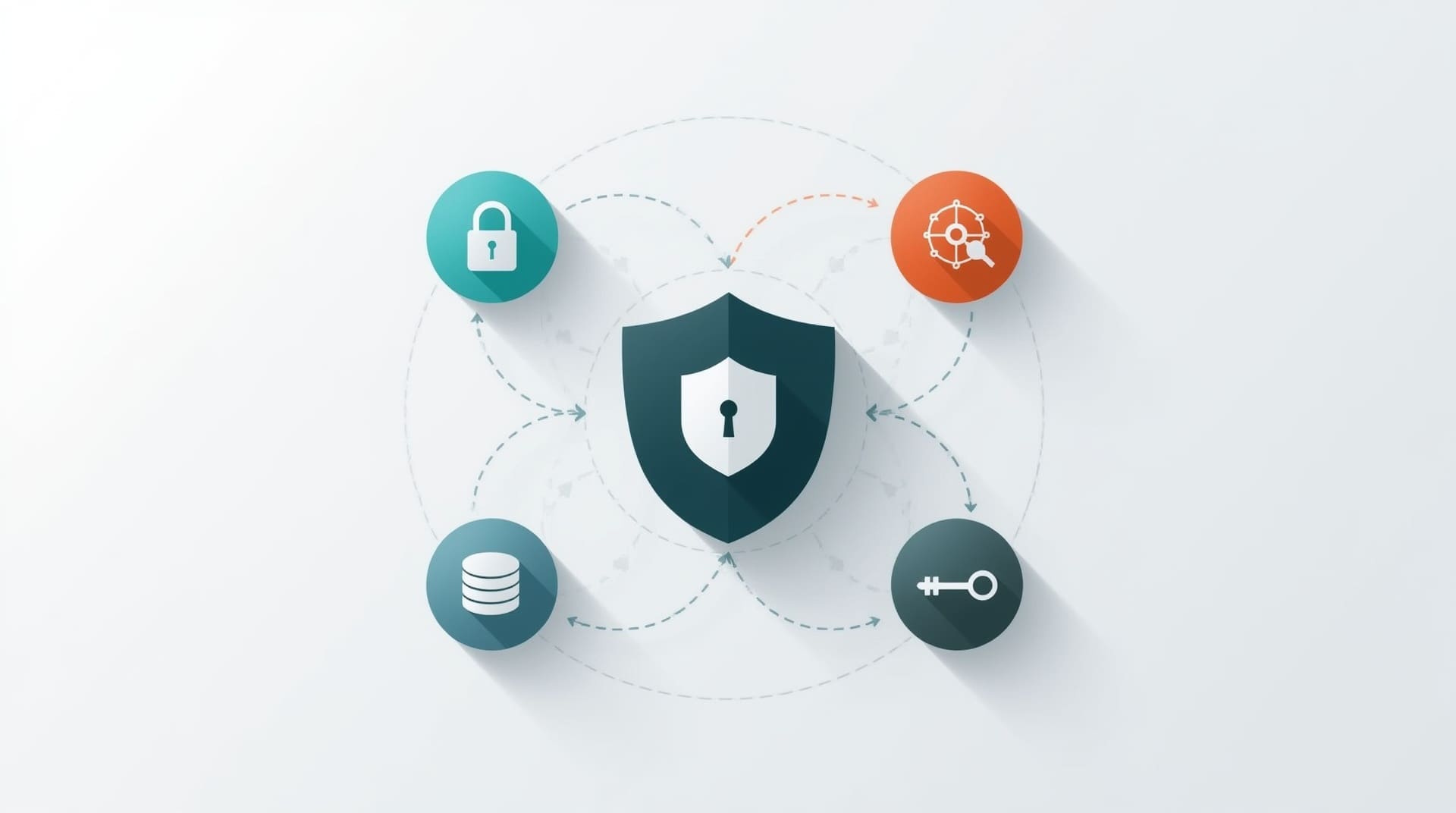
IT offboarding is the process of systematically removing a departing employee’s digital access, recovering company assets, and securing your systems. It is not just an HR task. It sits at the heart of your cybersecurity posture.
Studies consistently show that a large share of data breaches involve insiders, including former employees with credentials that were never revoked. Even well-meaning departures can turn risky if access lingers. A repeatable checklist removes the guesswork and protects everyone.
| # | IT Offboarding Step | Primary Goal |
|---|---|---|
| 1 | Notify IT Before the Last Day | Coordinate timing and prevent gaps |
| 2 | Disable Active Directory and SSO Accounts | Cut off central system access |
| 3 | Revoke Email Access and Set Auto-Reply | Protect communications and contacts |
| 4 | Remove Employee Access to Cloud Apps | Close SaaS and cloud platform doors |
| 5 | Recover and Wipe Company Devices | Reclaim hardware and erase personal data |
| 6 | Transfer and Archive Critical Data | Preserve business continuity |
| 7 | Change Shared Passwords and Credentials | Eliminate shared account exposure |
| 8 | Audit VPN and Remote Access Permissions | Block external network entry points |
| 9 | Update License and Subscription Assignments | Reduce unnecessary software costs |
| 10 | Document the Offboarding and Run a Final Audit | Create a verifiable record for compliance |
Step 1: Notify IT Before the Last Day
The offboarding process needs a head start. HR should notify your IT team or managed service provider as soon as a resignation or termination is confirmed. Waiting until the last minute creates gaps where access stays open longer than it should.
Ideally, IT gets 48 to 72 hours of advance notice for a planned departure. For sudden terminations, the process needs to move within hours. Setting up a formal handoff process between HR and IT is one of the simplest ways to reduce offboarding risk.
Step 2: Disable Active Directory and SSO Accounts
Active Directory (a centralized system that controls who can log into your network and computers) and single sign-on (SSO) platforms are the master keys to your environment. Disabling these accounts first cuts off the widest path of access in one move.
This step should happen at or before the employee’s final hour on the job. Disabling rather than deleting the account initially lets you preserve audit logs while still blocking access. Deletion can come later once you have confirmed all data has been transferred.
Step 3: Revoke Email Access and Set Auto-Reply
Email is often the most sensitive account a departing employee holds. It contains client conversations, internal decisions, and potentially confidential data. Revoking access on the last day is essential, but do not just shut it down cold.
Set an auto-reply that directs incoming messages to the right person. Then forward the inbox to a manager for a defined period, typically 30 to 90 days. This keeps business continuity intact while closing off the former employee’s direct access.
Step 4: Remove Employee Access to Cloud Apps
Modern businesses run on cloud applications. Project management tools, file sharing platforms, CRM systems, and communication apps all hold sensitive business data. Removing employee access from each of these is a core part of the IT offboarding steps.
Create a master list of every cloud app your company uses. Map which roles access which tools. This makes offboarding faster and reduces the chance of missing an app. If your team uses an identity management platform, most of this can be automated.
- Cloud file storage (Google Drive, OneDrive, SharePoint)
- CRM and sales platforms
- Project and task management tools
- Communication and video apps
- Finance and HR software
- Industry-specific platforms your team relies on
Step 5: Recover and Wipe Company Devices

Any laptop, desktop, phone, or tablet issued to the employee needs to come back to your IT team. Do not assume remote workers will mail them back on their own. Have a clear return policy written into your offboarding agreement.
Once the device is returned, IT should perform a full wipe to remove all personal and company data before reassigning or repurposing it. For mobile devices enrolled in a mobile device management (MDM) system, a remote wipe can be triggered even before the device is physically returned. Keep an asset inventory so no device falls through the cracks.
Step 6: Transfer and Archive Critical Data
Before access is fully removed, someone needs to pull the departing employee’s files, emails, and documents into a shared or managed location. Losing this data creates real business problems, especially if the employee owned key client relationships or active projects.
Assign a manager or team lead to review and take ownership of important files. Archive what is not immediately needed but may be relevant for compliance or future reference. A good managed backup and recovery solution makes this process faster and more reliable.
Step 7: Change Shared Passwords and Credentials
Many teams use shared login credentials for tools like social media accounts, shared inboxes, or vendor portals. If a departing employee knew these passwords, they must be changed immediately during offboarding.
This is also a good time to evaluate whether shared credentials are necessary at all. Shared accounts are a security weakness. Where possible, replace them with individual logins that can be revoked on a per-user basis. A password manager with team vaulting features can help you manage this cleanly.
Step 8: Audit VPN and Remote Access Permissions
A VPN (virtual private network) lets employees securely access your internal network from outside the office. Former employees should have VPN access revoked on the same timeline as their other accounts, but this step is often overlooked.
Run a full audit of all remote access tools, including VPN profiles, remote desktop connections, and any third-party remote access software. Confirm that each departed user has been removed. This is especially important if your team relies heavily on remote work infrastructure.
Step 9: Update License and Subscription Assignments
Software licenses cost money. Each seat assigned to a former employee is a line item on your bill that no longer provides value. After offboarding, reassign or release licenses for every subscription that was tied to the departing employee.
This includes Microsoft 365 or Google Workspace seats, security tools, design software, and any specialized platform your business pays for on a per-user basis. Running a license audit during each offboarding cycle also helps you spot software your team may no longer use at all.
Step 10: Document the Offboarding and Run a Final Audit
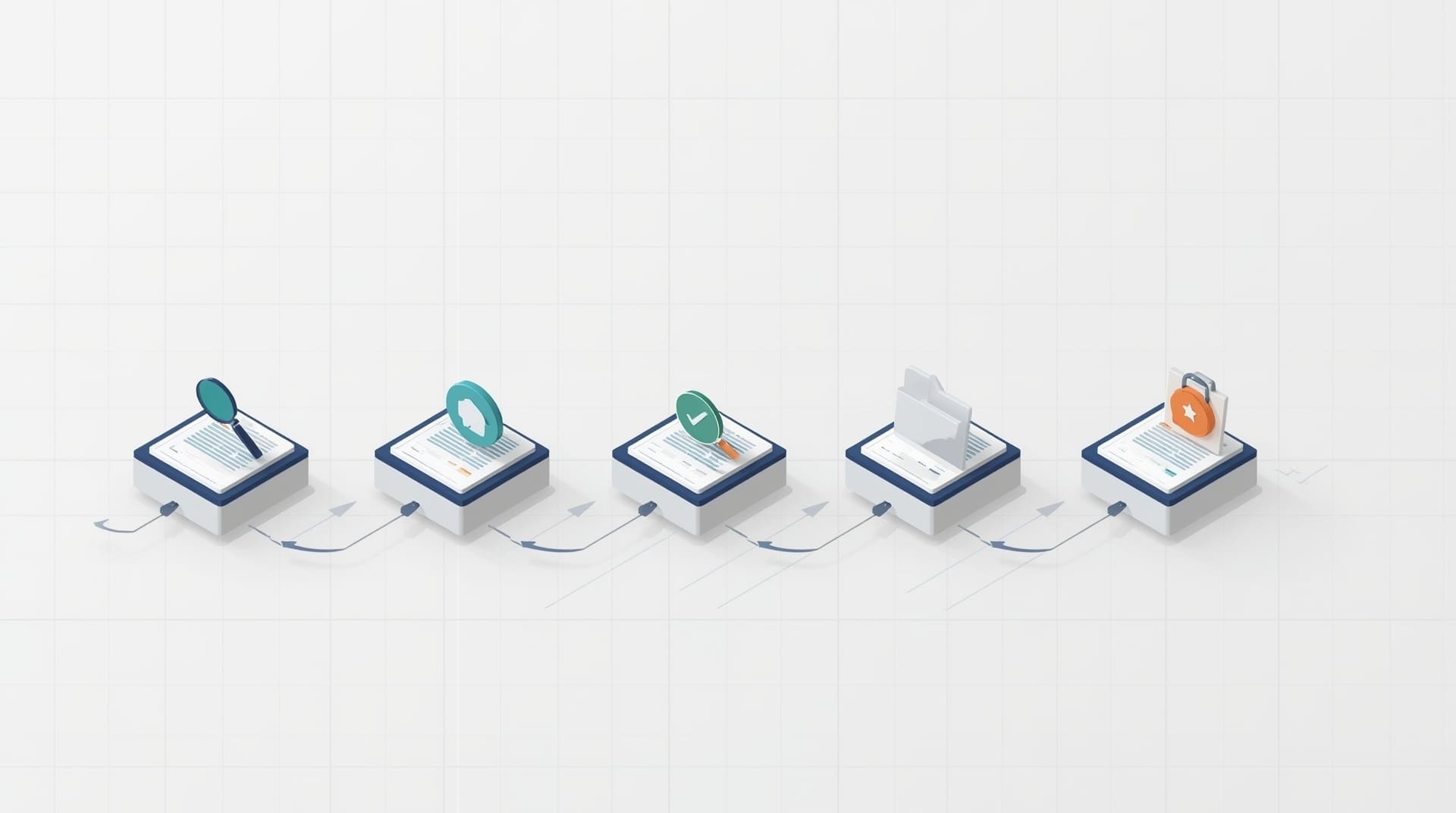
Once all the access removal steps are complete, create a written record of what was done, when, and by whom. Documentation is your proof of due diligence if a security incident, legal dispute, or compliance review ever arises.
Your final audit should confirm that every item on the checklist was completed. Run a report from your identity management or IT system showing the account is fully disabled. Store the offboarding record securely, ideally for a minimum of one to three years depending on your industry and any regulatory requirements.
Common Mistakes That Put Your Business at Risk
Even teams with good intentions make offboarding errors. Knowing what to watch for helps you tighten the process over time.
- Waiting too long after the last day: Access left open even 24 hours after departure creates unnecessary exposure.
- Forgetting personal devices: If an employee used a personal phone with corporate email, that connection needs to be severed too.
- Skipping third-party integrations: Apps connected through OAuth (a method that lets one app grant access to another) may not appear in your main user directory.
- No central asset register: Without a hardware inventory, devices can go missing with no way to track or wipe them.
- Treating all departures the same: Involuntary terminations require faster, same-day action compared to planned resignations.
How a Managed IT Provider Streamlines Employee Offboarding
Handling IT offboarding in-house is manageable for small teams, but it gets complex fast as you add more users, tools, and remote workers. A managed IT services provider (MSP) brings a structured, documented process that runs every time, without relying on one internal person to remember every step.
An MSP keeps a current map of all your systems, user accounts, and devices. When an employee leaves, they execute the checklist systematically and provide documentation. For Raleigh businesses managing rapid growth or distributed teams, this kind of consistent process reduces risk significantly. Learn more about what this looks like in practice by reading about managed IT support services explained.
Final Thoughts on the Employee Offboarding IT Checklist
A thorough employee offboarding IT checklist is not optional. It is a core part of protecting your business from data breaches, unauthorized access, and compliance failures. Each of the 10 steps works together to close every door a departing employee could walk back through.
The best offboarding processes are documented, repeatable, and owned by a qualified IT team. Whether you manage this internally or work with a provider, consistency is what matters most. Build this process now, and every future departure will be smoother and safer.
Frequently Asked Questions About the Employee Offboarding IT Checklist
How quickly should IT access be removed when an employee leaves?
For voluntary resignations, access should be removed at or before the end of the employee’s last working day. For involuntary terminations, access should be revoked on the same day, often within the hour. Delays create real security exposure, even for trusted former employees.
What does it mean to remove employee access during offboarding?
Removing employee access means disabling or deleting every login, account, and permission that employee held. This includes network accounts, email, cloud apps, VPN access, and any shared credentials they knew. The goal is to ensure they can no longer access any company system or data after departure.
What happens if IT offboarding steps are skipped?
Skipping steps leaves your business vulnerable to unauthorized access, data theft, and compliance violations. Former employees may retain the ability to read emails, download files, or access client records. These risks can result in financial loss, legal liability, and reputational damage.
Do remote employees require a different offboarding process?
The core steps are the same, but remote offboarding requires extra attention to device retrieval and remote access revocation. You need a clear process for shipping hardware back and a way to wipe devices remotely if necessary. Mobile device management (MDM) tools make remote device wipes possible before the device is physically returned.
Should small businesses in Raleigh follow the same IT offboarding checklist as larger companies?
Yes. The risks are the same regardless of company size, and the steps are scalable to any team. Small businesses often have fewer IT resources, which makes a documented checklist even more important. A managed IT provider can help smaller teams execute offboarding reliably without needing a dedicated internal IT department.