
Nonprofits run on tight budgets. Every dollar that goes to overhead is a dollar that does not reach your mission. Yet without reliable technology, your team cannot communicate, manage donor data, or deliver programs efficiently. Managed IT services for nonprofits solve that problem by giving you enterprise-level tech support at a predictable monthly cost, without hiring a full-time IT staff member.
Whether you run a small charity in Raleigh or a regional organization with multiple sites, outsourced nonprofit IT support lets you focus on your cause. You get proactive monitoring, cybersecurity protection, and help-desk access without the overhead. This guide explains what managed IT looks like for nonprofits, what you should expect from a provider, and how to make the most of your charity tech solutions budget.
Ready to learn more? Explore how Alta Tech’s managed IT services in Raleigh can help your nonprofit get more from every tech dollar.
Why Nonprofits Need a Different IT Approach
For-profit companies can absorb the cost of a large IT department. Nonprofits usually cannot. Your budget is often grant-funded, restricted, or tied directly to program delivery. That means technology decisions carry extra weight, because a poor choice wastes money that donors trusted you to protect.
Nonprofits also face unique pressures. You likely rely on volunteers who use personal devices. You store sensitive donor and client data that cybercriminals actively target. And you may need to meet compliance requirements tied to grants or government contracts. A managed service provider (MSP) that understands the nonprofit world can address all of these challenges inside a single, cost-controlled plan.
The Real Cost of Reactive IT for Your Organization

Reactive IT means you only call for help when something breaks. A server goes down the morning of a fundraising event. A ransomware attack locks your donor database. A remote volunteer cannot connect, and no one knows why. Each incident costs your organization in lost staff time, potential data loss, and damaged donor trust.
Studies consistently show that downtime costs small organizations far more than the price of prevention. For nonprofits, the stakes are even higher because your team is often small and cannot absorb productivity losses the way a larger business might. Moving from reactive to proactive IT support is one of the fastest ways to stretch your technology budget.
Cybersecurity Threats Nonprofits Face Every Day
Charities are attractive targets for cybercriminals. Attackers assume nonprofits have weaker defenses than corporations. They are often right. Common threats include phishing emails disguised as donor inquiries, ransomware targeting financial records, and business email compromise scams aimed at your finance team.
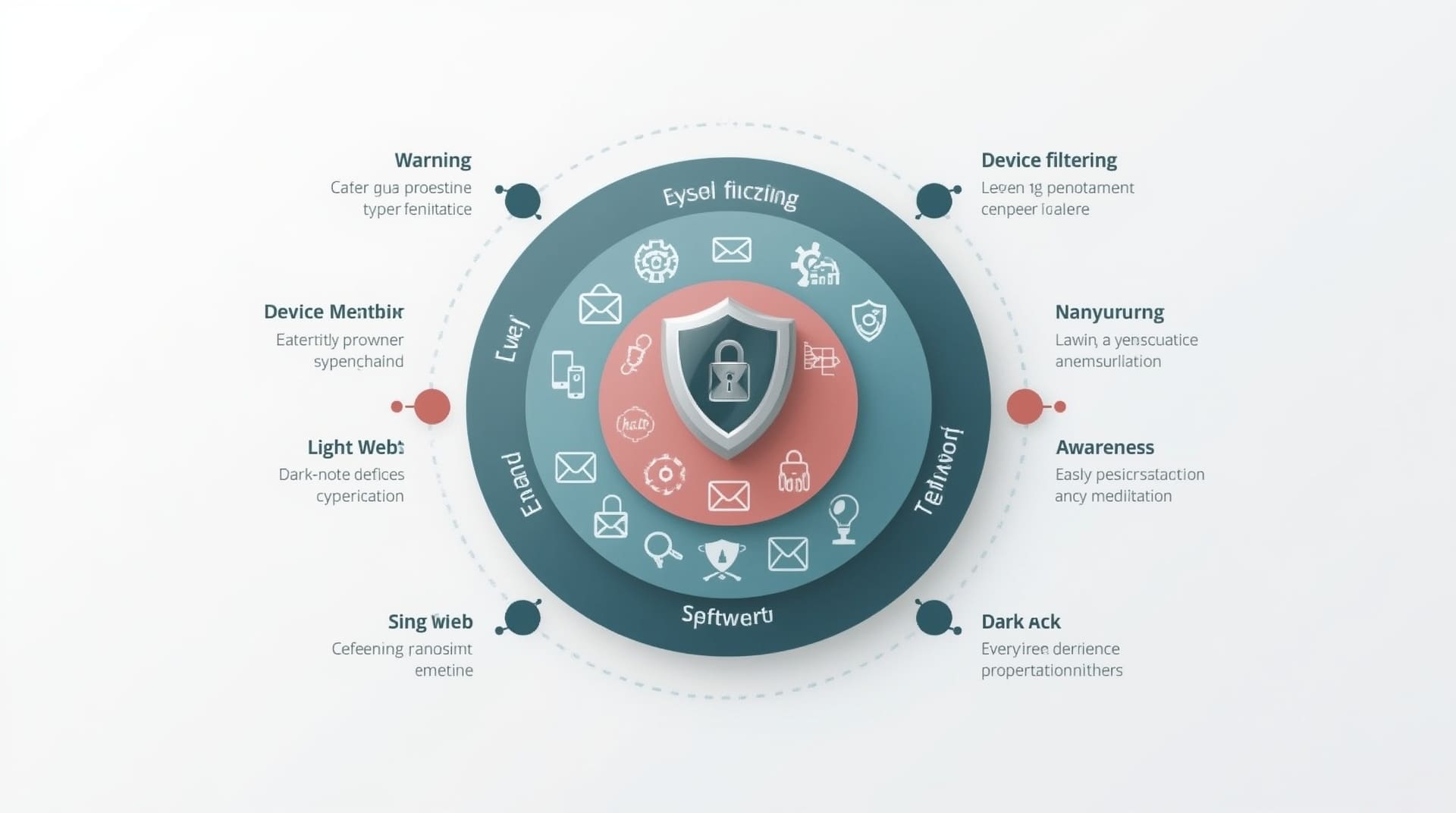
Donor payment data and personally identifiable information (PII) carry the same legal protections regardless of your tax status. A breach can trigger notification requirements, fines, and reputational damage that takes years to repair. Managed IT services for nonprofits include layered cybersecurity tools such as endpoint protection, email filtering, and multi-factor authentication to keep your data safe without requiring an in-house security expert.
Key Cybersecurity Protections Your MSP Should Provide
- Endpoint detection and response (EDR): Software that monitors every device for suspicious activity and responds automatically to threats.
- Email security filtering: Blocks phishing attempts and malicious attachments before they reach your staff or volunteers.
- Multi-factor authentication (MFA): Requires a second verification step so stolen passwords alone cannot unlock your systems.
- Security awareness training: Short, regular lessons that teach your team to spot and report threats.
- Dark web monitoring: Scans for your organization’s credentials on criminal marketplaces and alerts you immediately.
Core Services Included in Nonprofit IT Support Plans
A well-structured managed IT plan covers far more than fixing broken computers. Here is what a quality nonprofit IT support package typically includes.
| Service | What It Does for Your Nonprofit | Budget Impact |
|---|---|---|
| 24/7 Remote Monitoring | Catches issues before they cause downtime | Reduces emergency repair costs |
| Help Desk Support | Fast answers for staff and volunteers | Eliminates need for full-time IT hire |
| Cybersecurity Stack | Protects donor data and internal systems | Avoids costly breach remediation |
| Cloud Management | Optimizes Microsoft 365, Google Workspace, and storage | Right-sizes licenses to avoid waste |
| Backup and Disaster Recovery | Restores data quickly after any incident | Prevents catastrophic data loss expense |
| Vendor Management | Single point of contact for all tech vendors | Saves staff time spent on hold with vendors |
How Cloud Tools and Nonprofit Discounts Multiply Your Budget
One of the biggest advantages nonprofits have is access to deeply discounted software. Microsoft offers eligible nonprofits free or heavily subsidized Microsoft 365 licenses through its TechSoup partnership. Google provides Google Workspace for Nonprofits at no cost. These programs can save your organization thousands of dollars each year.
An experienced MSP helps you qualify for these programs, configure the tools correctly, and train your team to use them effectively. Without that guidance, many nonprofits leave these savings on the table entirely. Cloud management also means your staff can work remotely, collaborate in real time, and access files securely from any device, which is critical if you rely on volunteers spread across a metro area like Raleigh.
Nonprofit Software Discount Programs to Know
- Microsoft Nonprofit: Free or steeply discounted Microsoft 365 for qualifying organizations.
- Google for Nonprofits: Free Google Workspace, Google Ad Grants, and YouTube Nonprofit Program access.
- Cisco Networking Academy: Reduced-cost networking hardware and training resources.
- TechSoup: A marketplace for donated or discounted software and hardware from major technology companies.
- Zoom for Nonprofits: Discounted video conferencing plans for qualified organizations.
Data Backup and Recovery Every Nonprofit Must Have
Losing your donor database, grant records, or program data can be devastating. Managed backup and recovery means your data is copied automatically and stored securely offsite or in the cloud. If a ransomware attack encrypts your files or a hardware failure wipes your server, your MSP can restore your systems quickly.
For nonprofits, the recovery time objective (RTO) matters. RTO is the maximum amount of time your organization can afford to be without its systems. A well-designed backup plan gets you back online in hours, not days. This protects your programs, your donor relationships, and your reputation with funders who expect you to handle their contributions responsibly.
Choosing the Right Managed IT Provider for Your Nonprofit
Not every MSP understands the nonprofit world. You want a partner who knows how restricted budgets work, respects your mission, and can align IT strategy with your program goals. Ask the right questions before you sign any agreement.
Questions to Ask a Prospective Nonprofit IT Partner
- Do you have experience working with nonprofits or similar organizations? Ask for references from clients in the social-services, education, or charitable sector.
- How do you price your plans? Look for per-user or per-device pricing that scales with your organization rather than large flat fees that penalize small teams.
- What is your average response time for help-desk requests? Your staff and volunteers need fast answers, not next-day callbacks.
- Can you help us qualify for nonprofit software discounts? A strong MSP should guide you through TechSoup, Microsoft Nonprofit, and Google for Nonprofits applications.
- How do you handle compliance requirements? If you accept government grants or store health-related data, your provider must understand relevant regulations.
Understanding IT Compliance for Grant-Funded Organizations
Many nonprofits receive federal or state grant funding that comes with technology and data-security requirements. Failure to meet those requirements can jeopardize your funding or trigger an audit. Common frameworks that affect nonprofits include HIPAA for health-related programs, PCI-DSS for organizations that process payments, and state data-privacy laws that govern how you store donor information.
Your managed IT provider should conduct a compliance gap assessment when you onboard. This review identifies where your current systems fall short and builds a remediation plan. Staying compliant is not a one-time task. It requires ongoing policy updates, staff training, and periodic audits, all of which a capable MSP handles on your behalf so your program staff can stay focused on the work that matters.
Final Thoughts on Managed IT Services for Nonprofits
Managed IT services for nonprofits are not a luxury. They are a strategic investment that protects your data, stretches your budget, and keeps your team productive. The right charity tech solutions partner brings enterprise-grade tools, proactive support, and nonprofit-specific expertise into one predictable monthly cost that your board and funders can understand.
If your organization is based in Raleigh, the surrounding Triangle area, or anywhere in North Carolina, now is a good time to evaluate what your technology is really costing you. A single ransomware incident or extended outage can cost far more than a year of managed support. Partner with an MSP that knows your sector and your budget, and let your team focus entirely on the mission you were built to serve.
Frequently Asked Questions About Managed IT Services for Nonprofits
What do managed IT services for nonprofits typically cost?
Pricing varies by provider, but most MSPs offer per-user or per-device monthly rates. Nonprofits often qualify for discounted pricing, especially when the provider has a dedicated nonprofit practice. Costs typically depend on the number of users, the devices covered, and the level of cybersecurity and compliance support included in the plan.
Can a managed IT provider help us qualify for nonprofit software discounts?
Yes. A knowledgeable MSP can guide you through applications for Microsoft Nonprofit, Google for Nonprofits, TechSoup, and other programs. Many nonprofits leave thousands of dollars in annual savings unclaimed simply because no one on the team has the time to navigate the application process. Your MSP should handle that for you.
Is our donor data safe with a managed IT provider?
A reputable MSP treats your donor data with the same care they apply to financial or health data. They use encrypted backups, access controls, and audit logs to ensure only authorized personnel can view sensitive records. Ask any prospective provider about their data handling policies and whether they carry cyber liability insurance.
How is managed IT different from break-fix IT support?
Break-fix support means you pay for help only when something goes wrong. Managed IT means you pay a flat monthly fee for continuous monitoring, maintenance, and support. Managed services prevent most problems before they happen, which typically costs less over time and causes far less disruption to your programs and staff.
Do we need managed IT if we are a small nonprofit with only a few staff members?
Size does not reduce your risk. Small nonprofits are frequently targeted because attackers assume weaker defenses. Even a three-person office with donor records, payment processing, and grant documentation needs reliable backups, cybersecurity, and technical support. A well-priced MSP plan often costs less than hiring even a part-time IT contractor while delivering far broader coverage.